[pci-cat-slider slidestoshow="4" exclude_cat="4" show_count="false"]
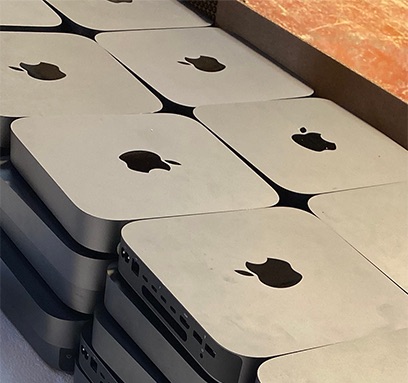
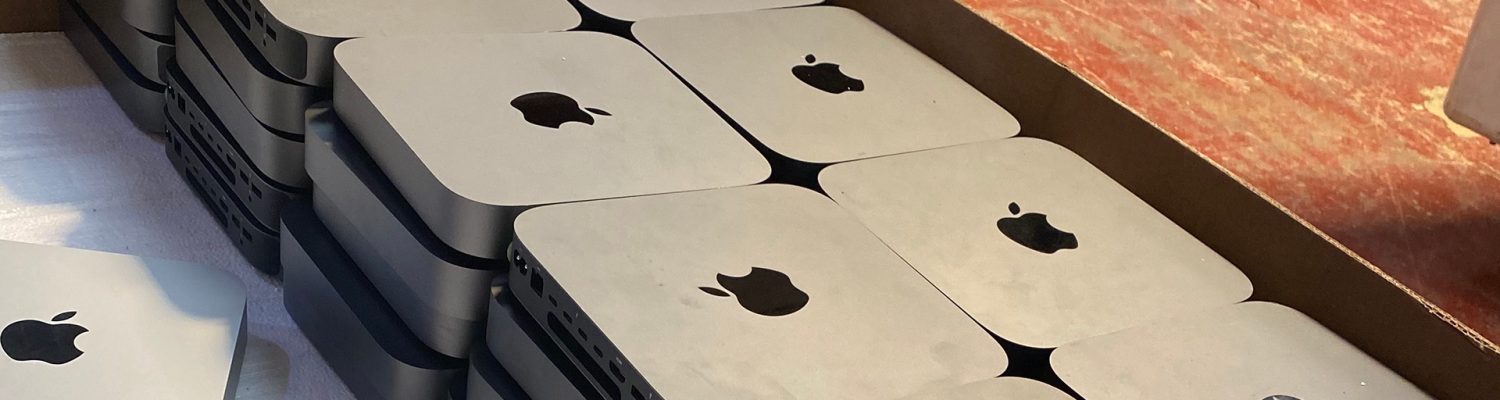
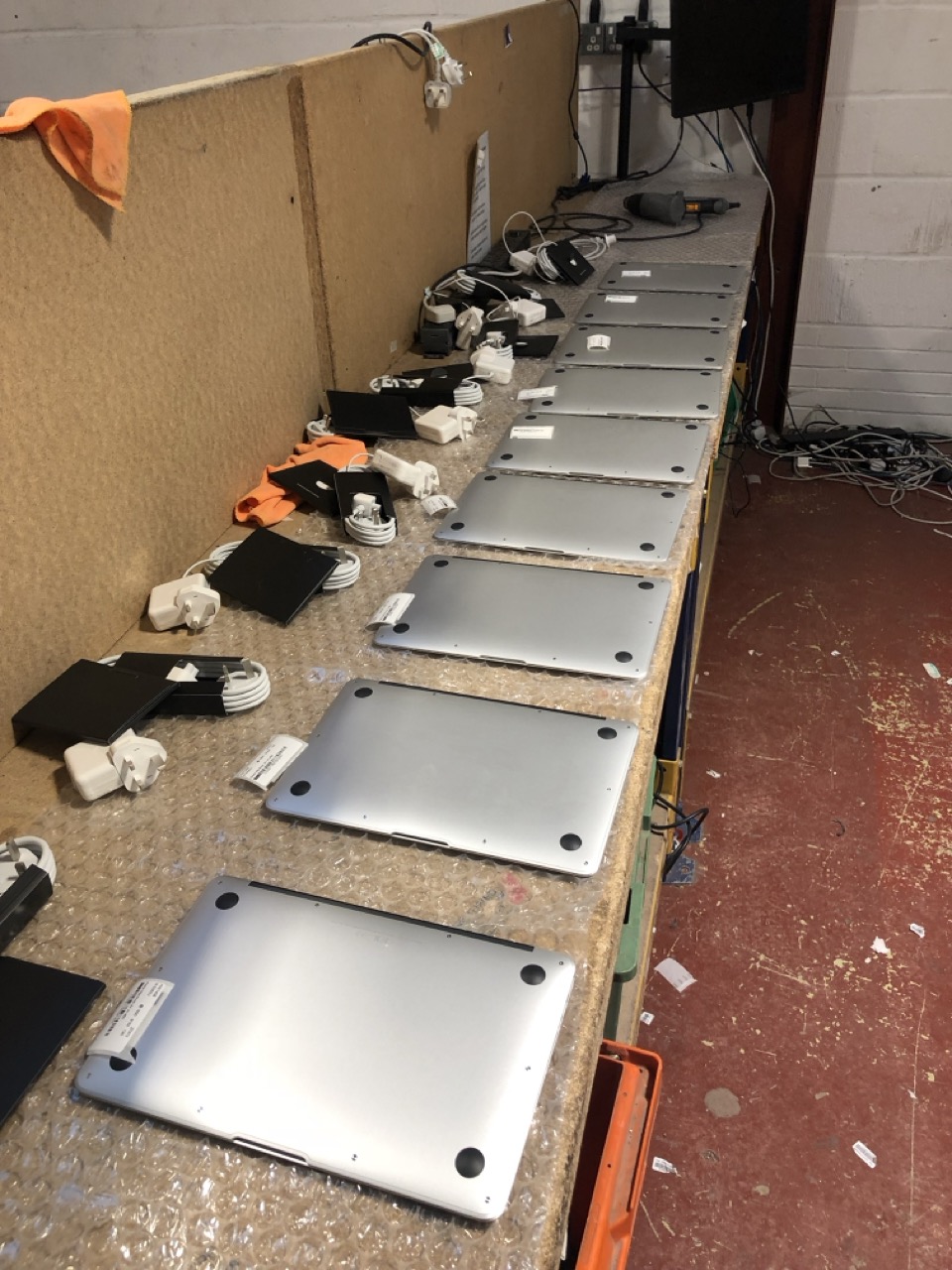
Macs awaiting data erasure

Mac Data Erasure: Why a Factory Reset Isn’t Proof

Quantity of Mac Minis awaiting Data Erasure

Mac Data Erasure: Why a Factory Reset Isn’t Proof

Mac data erasure looks simple. Open System Settings, choose Erase All Content and Settings, wait a few minutes, and the Mac comes back to the setup screen. For a home user, that is enough. For an organisation retiring a fleet of MacBooks, it leaves one question unanswered: how do you prove it happened?


That question is where most Mac disposals fall down. Not because the data is still there, but because nobody can show an auditor, an insurer or a regulator that it isn’t.

How Mac data erasure works on Apple silicon

On Apple silicon Macs, and Intel Macs with the T2 chip, the internal SSD is encrypted all the time, with keys held in the Secure Enclave. Erase All Content and Settings destroys those keys. Without them, the data on the SSD is unreadable.


That is a cryptographic erase, and it meets the NIST SP 800-88 definition of Purge. Technically, the erasure is sound.

The problem: a factory reset leaves no record

What a factory reset doesn’t give you is evidence. There is no certificate, no serial number logged against a date and time, no record of who did it or what method was used. Multiply that by a few hundred MacBooks and you have a disposal you can describe but not prove.


That matters when:

  • an auditor asks for evidence that each device was sanitised before it left your control
  • a device turns up later and you need to show what happened to it
  • your data protection policy requires a certificate per device, not a statement that “they were all wiped”

There is also a practical catch. If Find My Mac or Activation Lock is still on, the Mac is locked to its previous owner. It can’t be reused or resold, and its value drops to parts.

Certified Mac data erasure: what good looks like

A defensible Mac disposal gives you a record for every device, not just a clean screen. We use Ziperase, which runs the same cryptographic erase on Apple silicon and T2 Macs but wraps it in an audit trail:

  • a signed certificate for every Mac, as PDF and machine-readable JSON, matched to its serial number
  • erasure to NIST SP 800-88 Rev 2 and IEEE 2883
  • Activation Lock checked before the device leaves, so locked units are caught early
  • independently tested under the ADISA Product Claims Test

Every device ends up with one of two outcomes: erased with a certificate, or destroyed with one. Nothing falls between.


MacBooks being prepared for resale for our client
MacBooks being prepared for resale for our client after data erasure

When a Mac won’t boot

Apple silicon Macs have the SSD soldered to the logic board. If a Mac won’t power on, it can’t be erased with software, and the drive can’t be pulled and wiped separately. Those units are physically destroyed, and recorded by serial number on a certificate of destruction.

Erasure versus shredding

Shredding every Mac feels safest, but it throws away value. A working MacBook that has been properly erased can be reused or resold, and that return often covers the cost of the disposal. Shredding turns it into scrap.


For working devices, certified erasure gives you the same assurance, with proof, and keeps the value. Shredding is for the units that can’t be erased.


iPads awaiting erasure

Mac data erasure with DataMove

We have been handling Apple estates for well over a decade, from single offices to public sector fleets of thousands of devices. We erase on site or at our secure facility, record every device in our own ITAD platform, and issue a certificate per Mac. Anything with resale value is graded and offered back as buyback against the cost of the job.


If you are retiring Macs and need proof, not just a factory reset, get in touch and we will scope it with you.

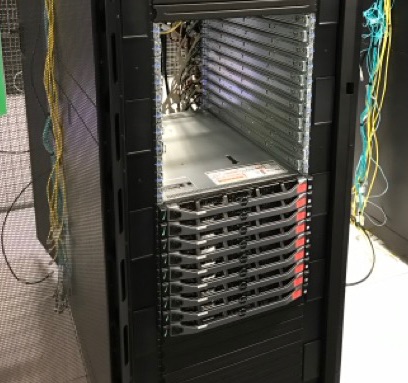
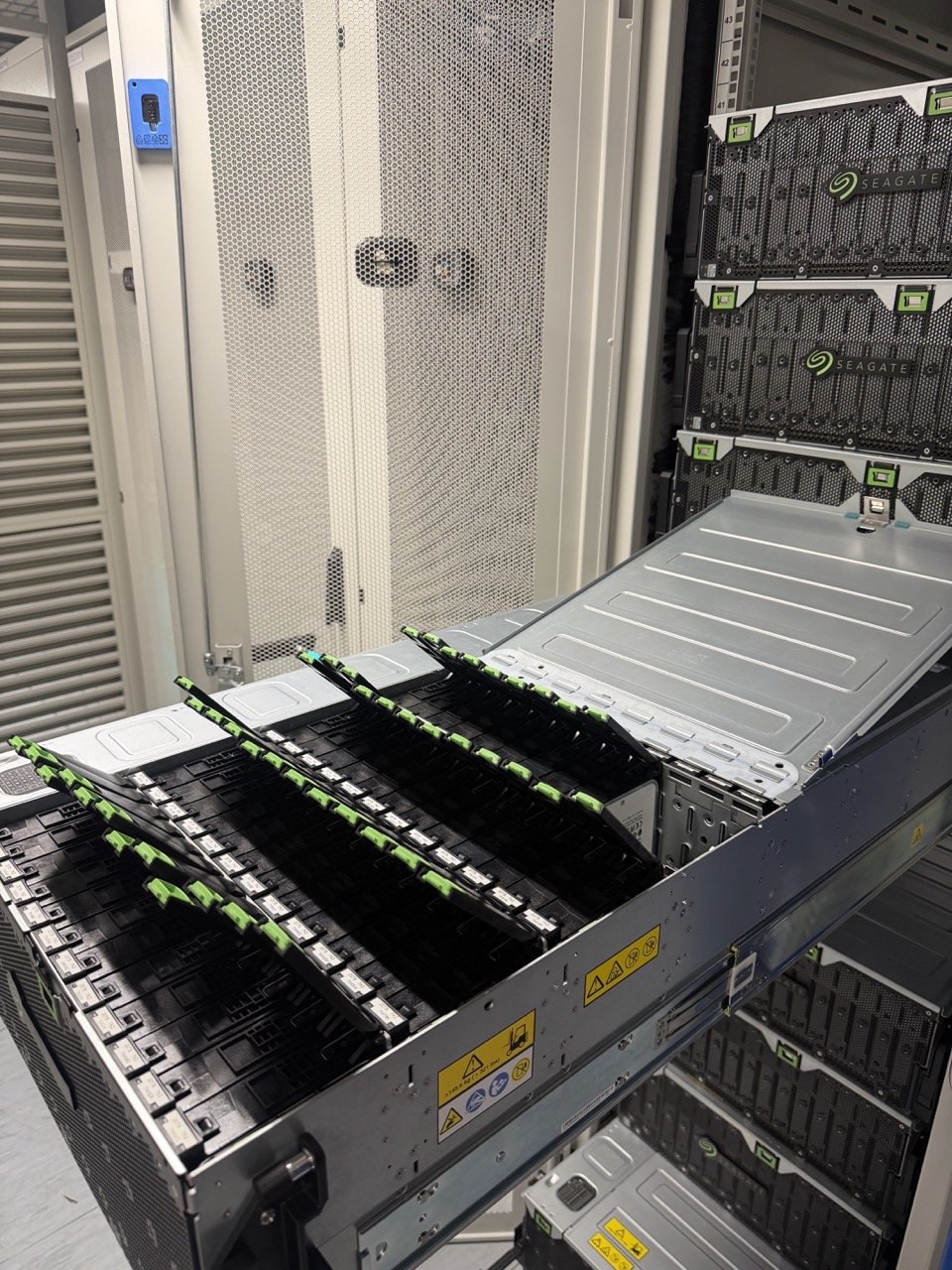
High Density Storage Array Being Moved

Moving a High-Density Storage Array Without Losing Drive Order | DataMove

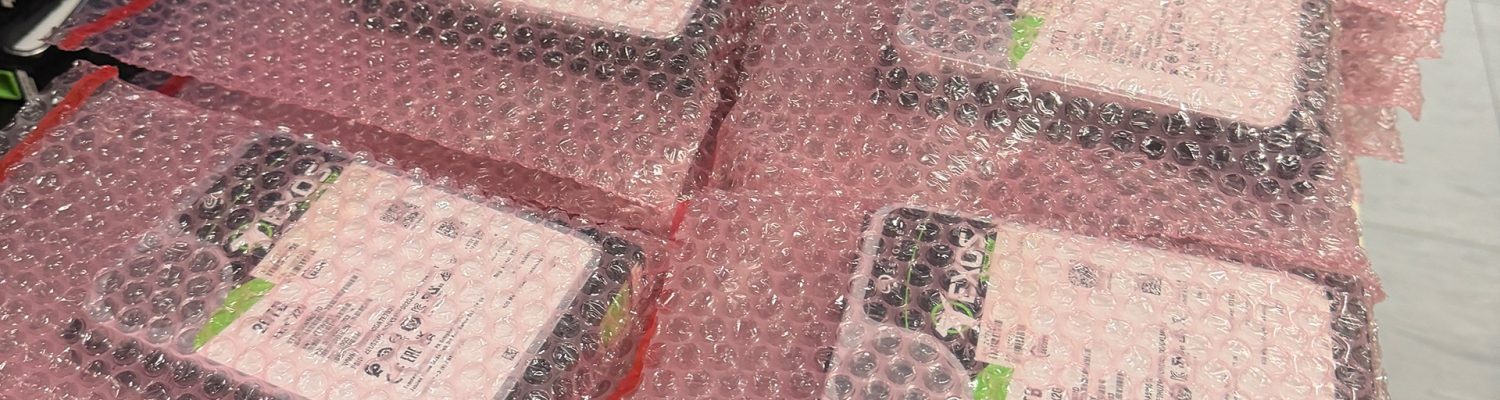
Enterprise Hard Drives Individually Bagged and Labelled

Moving a Storage Array: Why Every Drive Goes Back in the Same Bay

Moving a storage array is not like moving a server. Most servers can travel with their drives in place. High-density storage cannot.


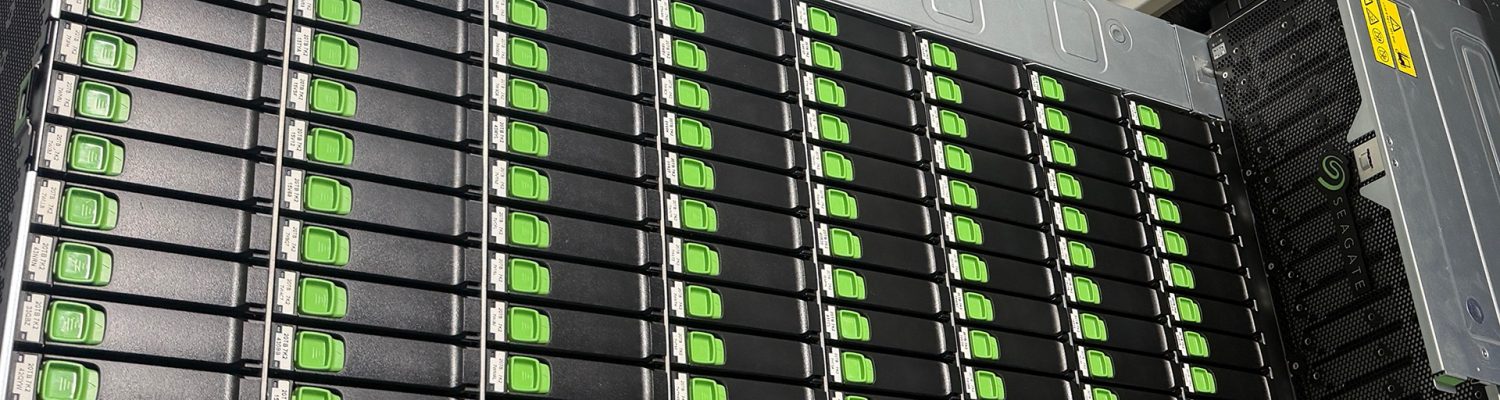
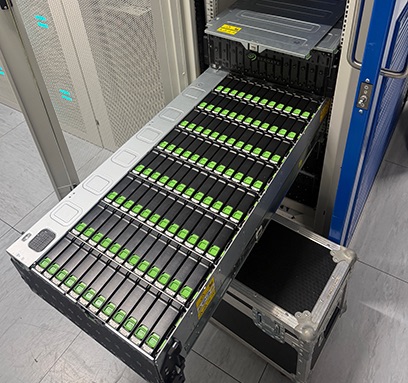
A modern 4U storage chassis can hold over a hundred hard drives. Fully populated, a single chassis weighs around 100 kg, against roughly 43 kg empty. The drives are loaded from the top rather than hot-swapped from the front, and the chassis is not built to carry their weight on the road or in the hold of an aircraft. So before anything moves, every drive has to come out.


That is where most of the risk sits. Not in the lifting, but in what happens when the drives go back in.


Hard Drives Being Removed from Large Array

Why drive position matters

Arrays like these do not treat drives as interchangeable. Data is spread across them using erasure coding, and the controller expects each drive in a known position. Put the right drives back in the wrong bays and, at best, the array spends days rebuilding. At worst, you are restoring petabytes from backup.


So the job when moving a storage array is not simply to remove the drives. It is to remove them in a way that guarantees each one goes back exactly where it came from.


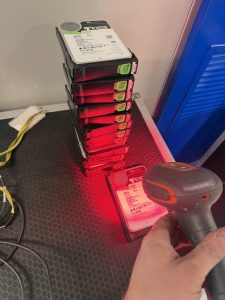
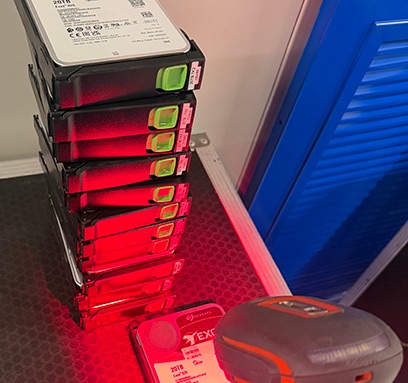
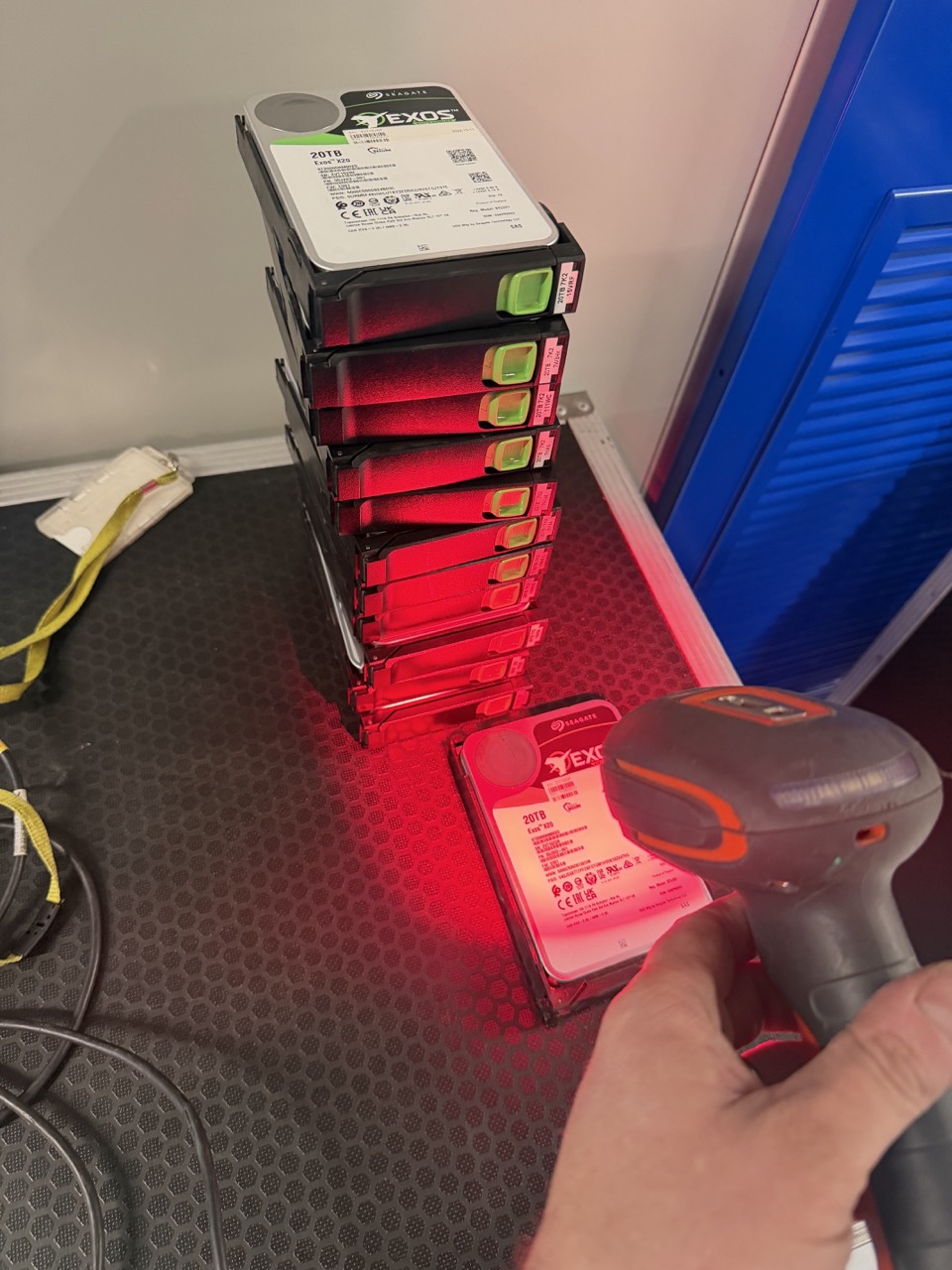
scanning drive serials for audit, and individual labelling for position tracking
Scanning drive serials for audit and tracking on our in house CRM system, and individual labelling for position tracking.

How we approach moving a storage array

Every drive is scanned by serial number as it comes out of the chassis and recorded against two things: the chassis it came from and the bay it sat in.


Each drive is then individually anti-static bagged and labelled with that chassis and bay position. The record and the label say the same thing, so the drive can be placed correctly whether you are reading the paperwork or the bag.


The drives are boxed in purpose-made hard drive cartons and travel on the same pallet as their own chassis. Nothing is consolidated across chassis. If a pallet is delayed, the drives for that chassis are delayed with it, rather than arriving separately and waiting to be matched up.


At the destination, the record works in reverse: chassis by chassis, bay by bay, against the serial numbers captured at origin.


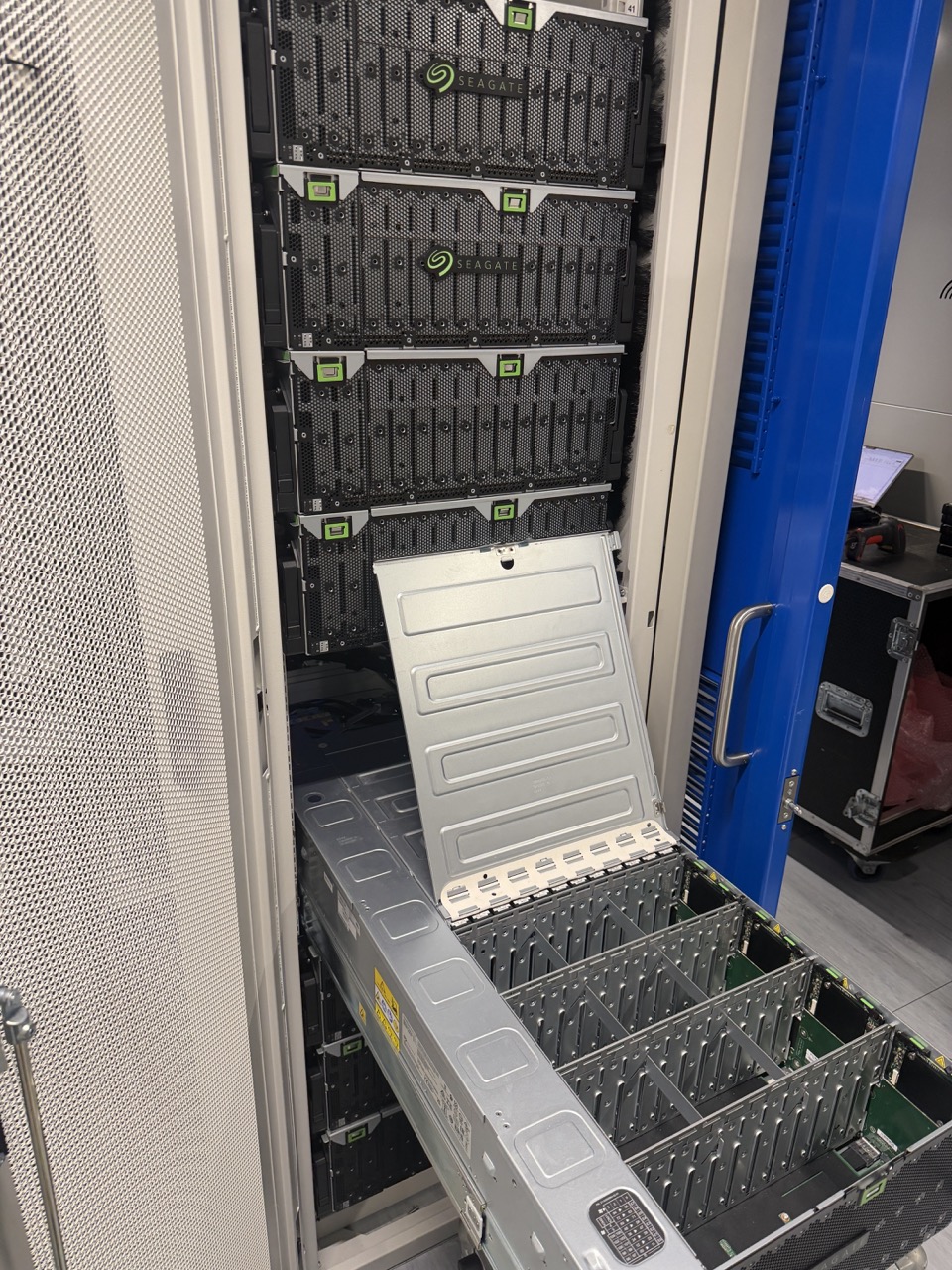
Bare chassis ready for removal and packing

Packing for the journey

Empty chassis are packed in anti-static protective material, two to a pallet, with their drive cartons secured alongside. Pallets are built to standard airliner belly-hold dimensions, with no oversize freight and no untreated timber, so there is no reason for the airline or customs to hold them.

What the client is left with

The drive record does not stop being useful once the array is back up. It is a complete inventory of every drive by serial number, chassis and bay, captured on the day the equipment left. That gives the client an audit trail for insurance, a reference if a drive fails in the weeks after the move, and a baseline for the next time the platform is expanded or retired.

The useful question

If you are moving a storage array, ask whoever is moving it how they will make sure every drive goes back in the bay it came out of. If the answer is “carefully”, keep asking.

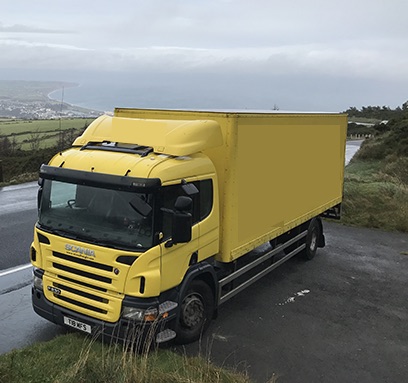
DataMove vehicle outside Douglas Isle of Man

Moving IT Equipment to the Channel Islands and Isle of Man: Three Islands, Three Sets of Rules

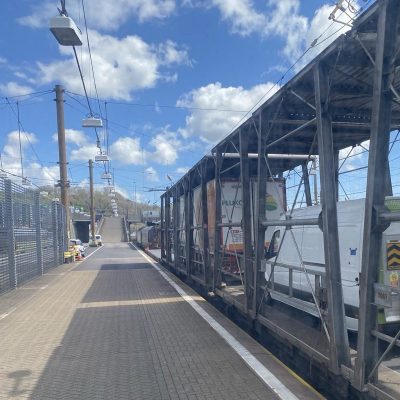
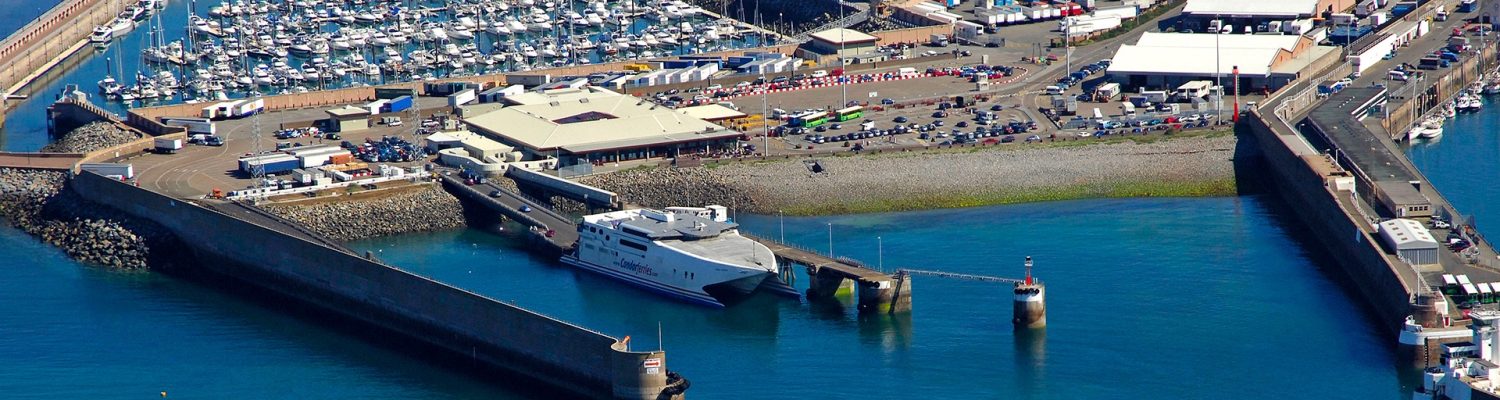
jerseyferry1

Moving IT Equipment to the Channel Islands and Isle of Man: Three Islands, Three Sets of Rules

An island move looks like a domestic one right up until the ferry. Moving IT equipment to the Channel Islands or the Isle of Man is closer to home than moving it abroad, but it isn’t the same as a run up the M1, and the three islands don’t follow the same rules.

The good news: a customs union

The UK, Jersey, Guernsey and the Isle of Man form a customs union. Equipment already in the UK doesn’t attract customs duty when it arrives on any of the three islands.

That’s where the similarity ends.

Jersey: GST and a declaration

Jersey charges import GST at 5% on nearly all goods coming onto the island, and for businesses there’s no minimum threshold: a single server attracts it. Imports are declared through Jersey Customs’ online system, CAESAR, before the goods are released. A GST-registered business can offset the import GST against the GST it charges, so for many clients it’s a cash-flow point rather than a cost.


Two practical details catch general movers out. Drivers need a completed consignment note on arrival, and vehicle weight and dimension limits on the island are tighter than on the mainland. The vehicle that’s fine for a UK job may not be the right one for Jersey.

We’ve made the crossing in the other direction too: in 2023 we moved thirteen racks of hardware out of Jersey and back to the UK mainland by ferry. Moving equipment off an island has its own paperwork, and it’s worth planning as carefully as the inbound leg.


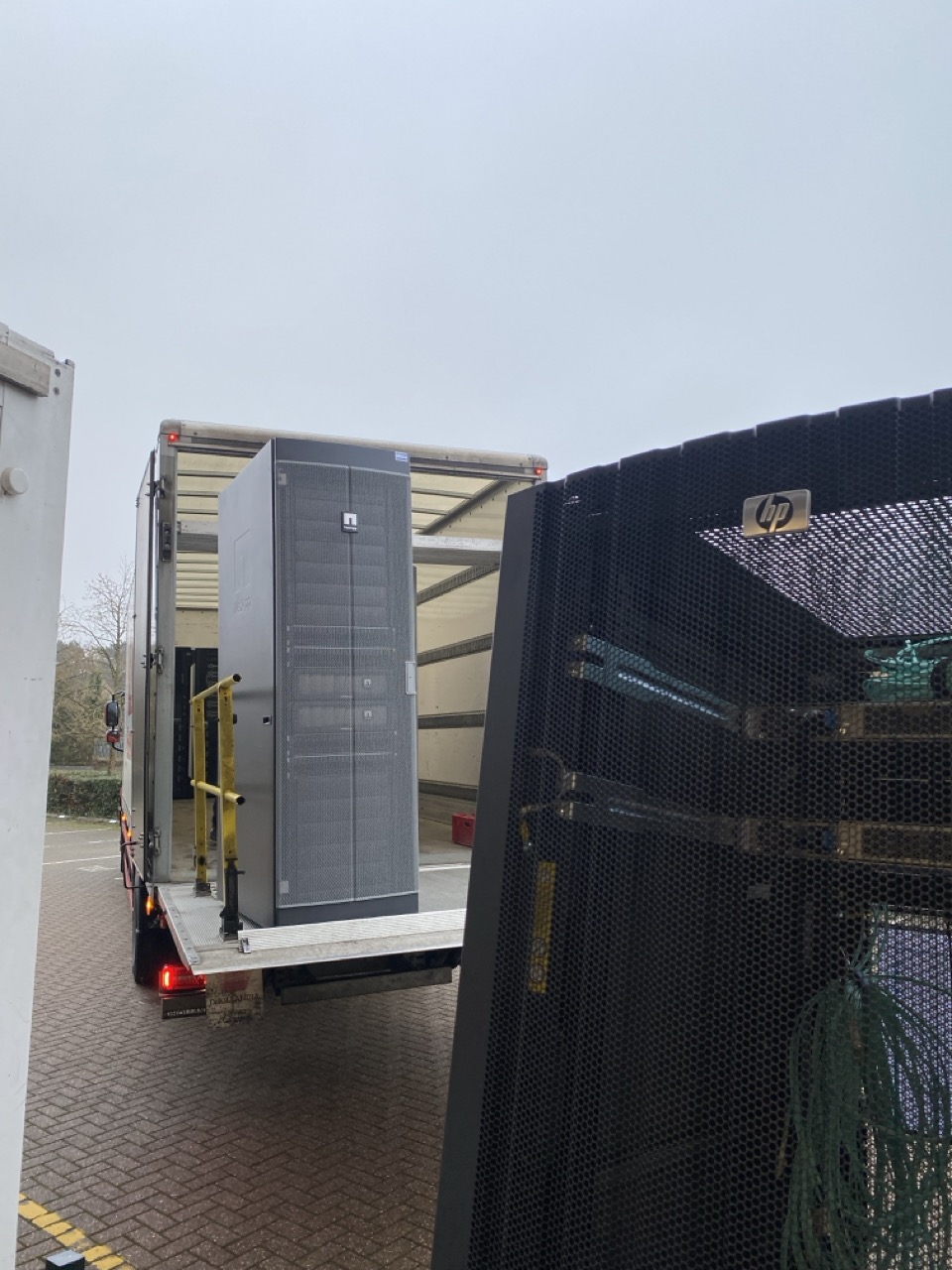
Server Racks being loaded onto 18 Tonne DataMove vehicle
Server Racks being loaded onto 18 Tonne DataMove vehicle in St Helier, Jersey

Guernsey: lighter paperwork

Guernsey sits in the same customs union, and goods arriving from the UK, Jersey or the Isle of Man don’t need a full electronic customs declaration. Of the Channel Islands, it’s the more straightforward.

The Isle of Man: the simplest of the three

The Isle of Man sits within the UK’s customs and VAT area. For paperwork, a move there is the closest of the three to a mainland job. The complexity is the crossing, not the customs.


We’ve worked the Isle of Man route in both directions, uplifting three racks from the island in 2024 and installing five racks of mixed hardware there in 2025. Both went by ferry, with the road legs planned around the sailing.


DataMove vehicle outside Douglas Isle of Man
DataMove vehicle outside Douglas, Isle of Man

The part every island shares: the sea

Every island move depends on a crossing. Sailings are fixed, capacity is booked ahead, and weather can cancel a crossing at short notice. A mainland move can slip by an hour; an island move can slip by a day. We plan island jobs around the sailing, with the de-rack timed to it and a fallback if the weather turns.

The useful question

If you’re moving IT equipment to one of the islands, ask whoever’s moving it which island rules apply and how they’ll handle them. If the answer’s the same for all three, it’s the wrong answer.

DataMove UK to Gibraltar data centre relocation project

The Week Europe Locked Down: A Cross-Border Data Centre Relocation

DataMove team en-route through France during online gaming server relocation from Yorkshire to Gibraltar

The Week Europe Locked Down: A Cross-Border Data Centre Relocation

In 2020 we took on what should have been one of the more straightforward cross-border data centre relocations on our books.


A gambling operator needed around three racks of HPE equipment moved from Leeds to its sites in Gibraltar and Malta, with a backload of old hardware coming home from both for disposal. Regulated sector, fixed destinations, well-understood route. We’d done variations of it before.


Twenty-four hours after our crew crossed into Europe with the outbound load, lockdown came into force.

The job didn’t change. Everything around it did.

The equipment was the same. The destinations were the same. The client still needed it delivered.

What changed overnight was every assumption the route was built on. Which borders were open.


Which roads a commercial vehicle could use. Whether a crew could stop, where they could rest, and what quarantine rules would apply at each crossing on the way back. Rules that had been stable for years were being rewritten by the day, and sometimes by the hour, in different ways in different countries.


The plan that left Leeds was obsolete before it reached its first drop.

Data centre building in Gibraltar used for online gaming server relocation
Hardware being dropped off in Gibraltar in March 2020


What we actually did

Nothing dramatic. We kept checking.


Before every leg, the crew and our planning desk confirmed what was legal for that specific day — not what had been true when we set off. Where a rule was unclear, we got it clarified before moving rather than assuming and finding out at a border. The deliveries went ahead, the disposal backload was collected, and the question became getting the crew home.


That meant coming back through Italy, the country hit hardest and earliest in Europe at the time. It was the leg that took the most care: confirming the vehicle could transit, what the crew could and couldn’t do on the way, and what would apply when they reached the UK.


They made it home. The equipment was delivered. The old kit came back for disposal.

What it taught us about cross-border data centre relocation

The obvious lesson is that you can’t plan for a pandemic. That’s true and not very useful.


The more useful one is that the plan is only valid on the day you check it. We’d always treated the route as something decided at the start and then executed. Since 2020 we treat it as something re-confirmed before every leg, because the conditions a move depends on — borders, access, regulations, availability — can change underneath you while the vehicle is already moving.


The second lesson is about the crew. A route that changes daily needs people on the road who can think, not just drive. The crew that went out in 2020 were making judgement calls in real time, in contact with the office, on information that was hours old. That isn’t something you can script.

DataMove Sheffield to Malta international data centre relocation project
Hardware being dropped off in Malta

Why it still matters

It’s tempting to file this under a once-in-a-century event. It isn’t really.


Borders and rules still change quickly, just less dramatically. Brexit rewrote the paperwork for every UK-to-Europe movement. Tariffs have moved sharply in the last year. Facility access procedures change. Carriers fail — we’ve since had an air freight provider go into administration in the middle of a job. None of it makes headlines the way 2020 did, but all of it can change what’s possible between planning a move and completing it.


The discipline is the same: confirm conditions on the day, not at the start, and put people on the road who can adapt when they change.

The question worth asking

When you’re choosing someone to move equipment across a border, the useful question isn’t whether everything will go to plan. Across enough moves, something won’t.

It’s whether they’ll know on the day, and what they’ll do about it.

DataMove van at station during last-minute onsite data erasure trip to France
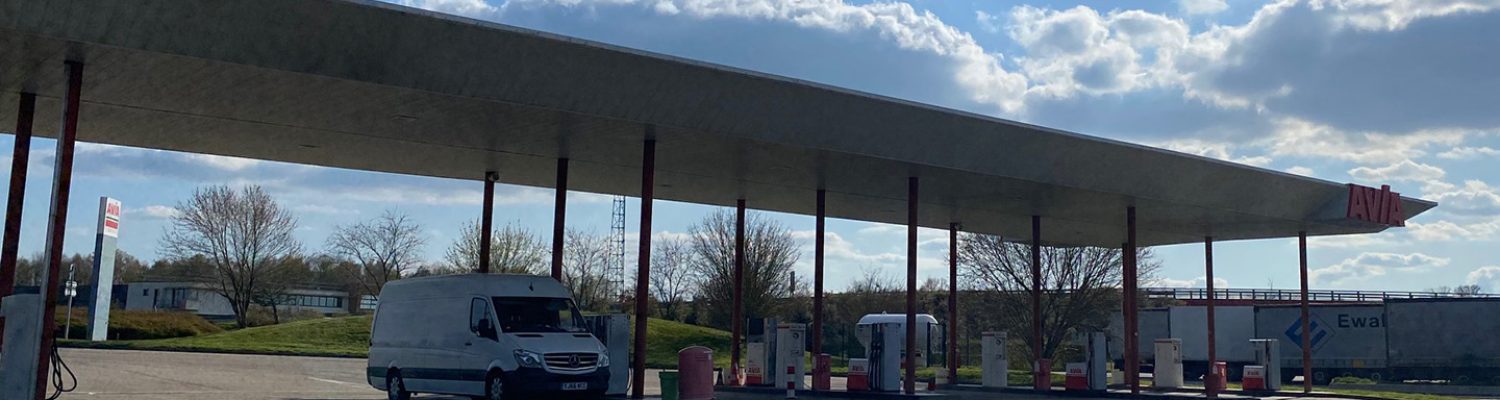
DataMove vehicle filling at a completely empty fuel station en route through France


Smart Hands Services for Remote IT Teams | DataMove

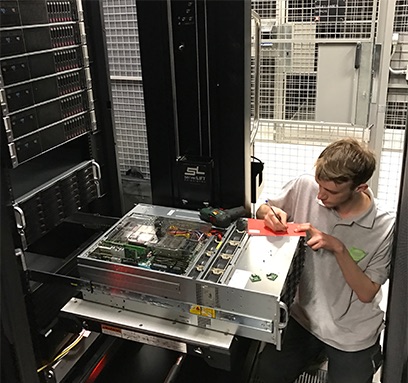
DataMove Smart Hands Engineer Carries Out Hard Drive Audit

Smart Hands Services for IT Teams That Can't Be On Site

More IT teams work remotely than ever. The equipment they look after doesn’t.


Servers, switches, printers and access points still sit in real buildings. When one fails in a way that can’t be fixed over a remote session, somebody has to go and stand in front of it. For a growing number of organisations, there is nobody to send.


That gap is what smart hands services exist to fill.

Where the gap comes from

Two things have widened it.


The first is centralisation. IT support that used to sit in every office has been pulled into central or remote teams, which is efficient right up until a fault needs hands on the hardware.


The second is acquisition. When a business is bought by a larger group, its IT often moves under the parent’s global team. That team may be excellent, and it may be entirely remote. A laboratory or an office that used to have someone down the corridor now has a support desk several time zones away and no physical presence at all.


We’ve recently been talking to exactly that situation: a business with sites across the UK and Ireland, acquired by a global group whose IT team works remotely, looking for someone to own the physical side.

What smart hands services actually cover

The name undersells it. Typical work includes:


Network troubleshooting that needs someone at the rack or the switch. Equipment installation and replacement. Printer and peripheral faults that have beaten remote support. Cabling, patching and tracing. Rack-and-stack, new builds and decommissions. Coordinating with third-party vendors on site, so your team isn’t trying to supervise an engineer by phone.


In short, anything where your remote team has done everything it can and needs a pair of competent hands in the room.


Smart Hands engineer Laying New Cat 6 and Fibre Cable
Smart Hands Engineer Laying New Cat 6 and Fibre Cable

Why the obvious options often fall short

There are usually two alternatives, and both have gaps.


A colocation provider’s own smart hands desk works on tickets. It’s fine for a single well-defined task — reseat a cable, power-cycle a server — and much less useful for anything that needs judgement. A typical half-day of proper on-site work can be the equivalent of five to ten tickets through a standard desk.


A general field service engineer is often capable, but may not know data centre and comms room equipment well, and the person who turns up will usually be whoever is available that day.

Neither builds any knowledge of your sites over time.

What good looks like

The thing that makes smart hands genuinely useful is continuity.


The same engineer wherever possible, so they learn your sites, your cabling, your quirks and your people. A scoping call before each visit so they arrive knowing what they’re walking into, and a wrap-up afterwards so your team knows exactly what was done.


Sessions booked as a half or full day rather than by the hour also change what’s worth doing. If someone is already on site, the three small jobs that weren’t worth a call-out each get done in the same visit.


Engineer Carries Out Hard Drive Audit
Hard Drive Audit

Be realistic about response times

This is where it’s worth being straight rather than optimistic.


Across a spread-out estate, same-hour response everywhere isn’t realistic unless you pay for engineers to sit idle. What works better is to separate two numbers: a target response that you’ll hit most of the time, and a committed response you’ll always hit. A target of a few hours with next-business-day committed is honest and plannable. A promise of two hours everywhere, followed by a breach, is neither.


It’s also worth measuring from when the request is accepted rather than from when the fault began. Your team exhausts remote support first; the clock starts when you hand it over.

The question to ask

If your IT is remote and your equipment isn’t, the useful question isn’t whether you’ll need someone on site. You will. It’s whether that person will already know your sites when you need them, or be meeting them for the first time.

Telehouse Loading bay

Importer of Record: The Question That Stops Cross-Border Data Centre Moves

Data Centre Loading bay

Importer of Record: The Question That Stops Cross-Border Data Centre Moves

There are four pallets of server hardware sitting at Heathrow airport as I write this. They have been there for weeks.


The move went perfectly. The equipment was de-racked on schedule, packed, skidded and handed to the freight forwarder on the day it was supposed to be. Nothing was damaged and nobody missed a deadline.


It hasn’t flown because nobody had appointed an importer of record at the other end and it wasn’t something we were able to involve ourselves with.

What an importer of record actually is

Somebody has to be legally responsible for goods entering a country. They are liable for the customs declaration being accurate, for the duty and taxes, and for compliance with whatever import rules apply. That party is the importer of record.


It sounds administrative. It isn’t. It’s a legal liability, and it’s why the appointment takes longer than people expect.


In practice the importer of record is usually the company receiving the goods. That works fine when they have a legal entity in the destination country with the right registrations. It stops working when they don’t – which is common, because plenty of organisations have equipment in countries where they have no corporate presence at all.

Why it takes weeks rather than days

If a third party is going to act as importer of record on your behalf, they need a power of attorney. You are authorising someone to make customs declarations in your name and accept liability alongside you.


No legal team signs that quickly.


They will want to know who the broker is, what exposure the company is taking on, whether the authority is limited or general, and how it can be revoked. On a first shipment they may want the whole arrangement reviewed properly. Some organisations require security clearance checks on the party being authorised.


Meanwhile the equipment sits in a bonded facility accruing storage charges, because the freight forwarder cannot release it and cannot fly it.


None of this is unreasonable. It is a company being careful about signing a liability. The mistake is starting the conversation after the equipment has been collected rather than weeks before.

The entity question nobody asks early enough

Large organisations are rarely a single company. They are a group with subsidiaries, and the one that owns the hardware is not always the one people name in an email.


A recent enquiry came from a group with several brand-level businesses under it, each with its own facilities and IT. “Which entity is importing?” is not a pedantic question — it determines whose name goes on the customs entry, whose tax registration is used, and whose legal team reviews the power of attorney.


Get it wrong and the paperwork is redone from the start.


Ask early, in writing, and ask for the legal entity name rather than the trading name.

Country of origin: the question worth thousands

Here is the one most people don’t know to ask.


If equipment was originally exported from the destination country, it can often return under returned goods relief — free of duty, provided you can evidence the original export. Hardware bought in the UK and shipped to the United States does not qualify. The same hardware, if it had been bought in the US, shipped to the UK and now returning, very often would.


On a consignment worth a few hundred thousand, that difference is real money, and it’s decided entirely by where the kit was originally purchased and whether anyone kept the documentation.

It’s worth establishing before you budget, not after the invoice arrives. And it’s an argument for keeping export records on equipment that might one day travel back.

What to do instead

The physical move is the predictable part. Crews, vehicles, packing and freight are all things that can be scheduled and are rarely the reason a date slips.


So run the customs workstream in parallel from the beginning, not after the equipment is collected:

Establish which legal entity is importing, by name.


Appoint the importer of record and start the power of attorney process immediately. Assume legal review will take weeks and be pleasantly surprised if it doesn’t.


Confirm the tariff classification with the broker rather than assuming it. On server hardware the difference between adjacent codes can attach a substantial surcharge under current measures.

Establish country of origin and find the original export documentation if it exists.


Do all of that and the freight becomes what it should be — a booking.

The realistic truth

Most delays on international equipment moves have nothing to do with the equipment.


Nobody drops a server. The vehicle turns up. The pallets are built properly and the flight is available. What actually goes wrong is that a document needed a signature and the person who could give it was on holiday, or wanted their lawyer to read it first, or wasn’t sure which company they were signing on behalf of.


If you’re planning a cross-border move, the useful question isn’t who can move the equipment. It’s who is going to be the importer of record, and have they started yet.

Dell Server Rack Awaiting Disposal

IT Asset Disposal — What Your Redundant Equipment Is Worth | DataMove

header sertvers

IT Asset Disposal: What Is Your Redundant Equipment Actually Worth?

I once watched a client shred a full 42U rack of fourteen-month-old servers.


Not the drives. The lot. Chassis, rails, PSUs, memory, the whole rack. The contract they’d been bought for changed, the kit was surplus, and someone in the chain advised that the safe thing was to destroy it. So they paid to destroy hardware that had been in service for just over a year.


Nobody involved did anything wrong, exactly. That’s what makes it worth writing about.

Why “destroy everything” is the default answer

Ask most IT asset disposal providers what to do with redundant kit and you’ll get a very consistent answer: secure collection, certified destruction, a certificate, WEEE compliance, done.

It’s a good answer. It’s also the easy one.


Destruction is simple to price, simple to deliver and simple to evidence. There’s no market to read, no condition assessment, no buyer to find. It’s billable work with a predictable margin and it ends the conversation.


Resale is the opposite. It requires knowing what the kit is worth this month rather than last year, whether the configuration is one anybody wants, and who is actually buying. That’s harder, and it’s a conversation a lot of providers would rather not open.


So the advice you get is rarely wrong. It’s just rarely the whole picture.

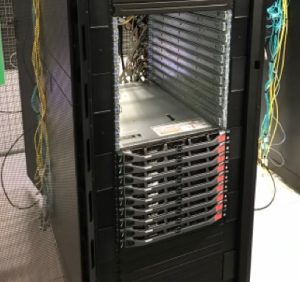
Rack of Dell Servers Awaiting Disposal

The economics have moved, and most disposal policies haven’t

Here’s what’s changed. Memory is scarce. The AI build-out is consuming every chip being made, and that has pushed up the value of components that were close to worthless eighteen months ago.


I don’t say that as market commentary. I say it because we get cold-called by brokers wanting decommissioned servers and parts, unprompted, on a regular basis. People are ringing round looking for exactly the kind of equipment most companies are paying to have destroyed.


Meanwhile a lot of disposal policies were written when replacement hardware was cheap and abundant. Those policies are still being followed. The market has moved underneath them.

The actual decision

There are really only three questions.


Does it hold data? If it does, nothing happens until that’s resolved. This is the part nobody should compromise on.


What is it worth in the condition it’s in? Not what it cost. What someone will pay for it now, in that configuration, with that age on it. A populated storage array, a rack of current-generation switches and a five-year-old 1U server are three completely different conversations.


What does destruction cost you? Both the fee and the value you’re writing off. If you’re paying to destroy something with a resale value, you’re paying twice.


Most organisations answer the first question properly and skip the other two.

Certified erasure is what makes the choice possible

This is the part that gets missed.


You cannot sell a data-bearing drive you can’t prove was wiped. No credible buyer will take it, and if they do you’ve created a problem worse than the one you solved.


So certified erasure isn’t an alternative to destruction — it’s what opens up the option. Wiped to a verifiable standard, with a certificate against the serial number, a drive becomes an asset again. Without that, destruction genuinely is the only responsible route.


Which means the erasure decision comes before the disposal decision, not after it. Get that order wrong and you’ve already chosen destruction whether you meant to or not.

Sometimes destruction is right

I’m not arguing that everything should be resold.


Some kit is genuinely finished. Some configurations nobody wants. Some contracts and some regulators require physical destruction regardless of what the hardware is worth, and where that’s the case the conversation is over.


The expertise isn’t in always recovering value. It’s in knowing which pile something belongs in — and being willing to say so even when the easier answer pays better.


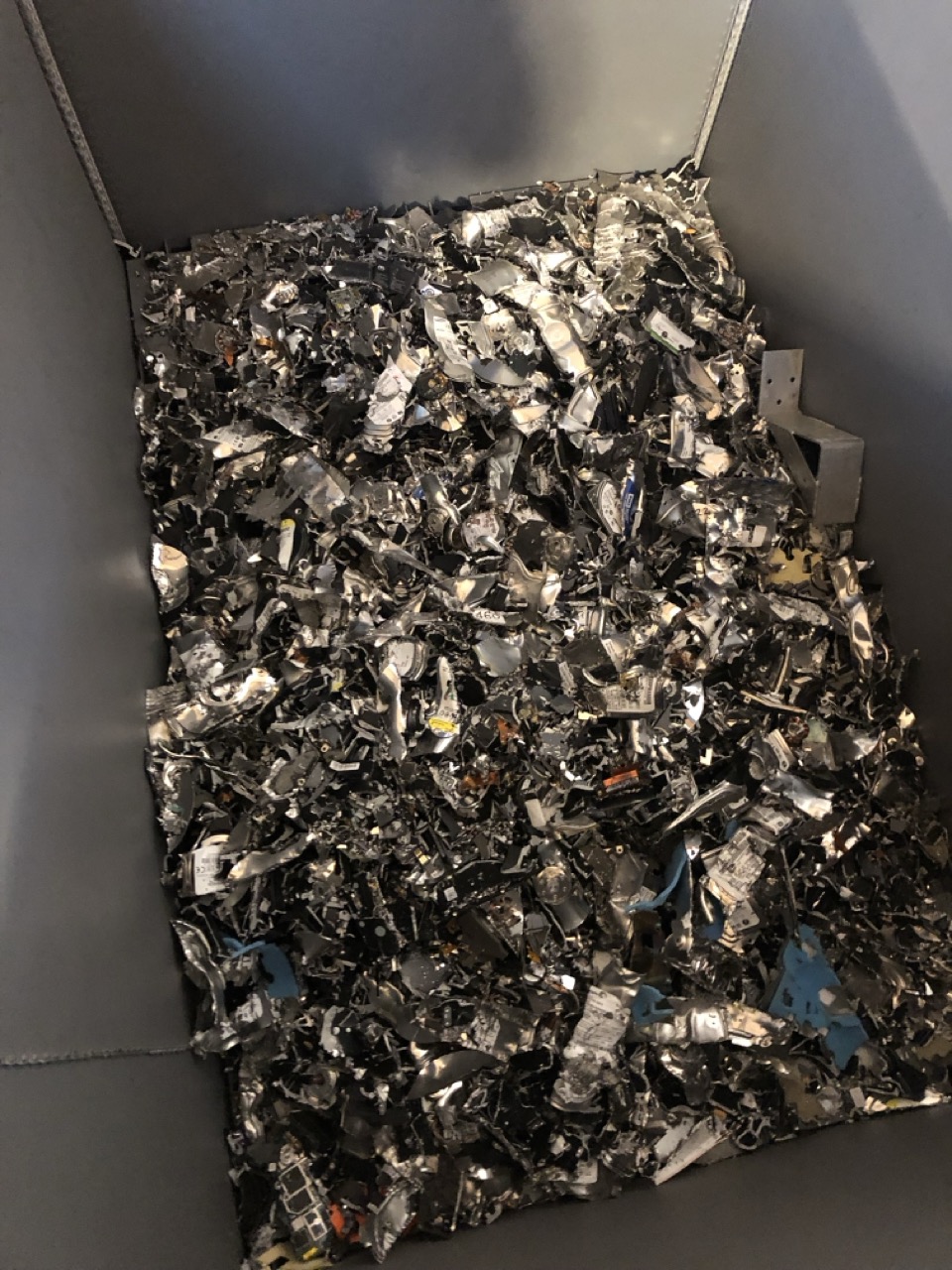
Servers and Storage Awaiting Shredding

The question worth asking

If someone is advising you to destroy an entire estate, it’s worth asking what else they considered, and what it would have been worth if they hadn’t.


You might get a good answer. Plenty of kit really is scrap. But if the answer is vague, or if nobody can tell you what the equipment is worth, that’s telling you something too.


What’s the most valuable thing you’ve watched a company put in a skip?

How Should Servers Be Packed for Transport?

How to Pack Servers for Transport

There are two answers in circulation to how to pack servers for transport, and only one of them survives contact with a data hall.


The first is that servers travel in cartons with foam, palletised and shrink-wrapped. It’s what most general logistics operations do, because it’s what they do with everything else. The second is that servers travel in rack-format transit cases. It costs more up front, and it’s what specialist relocation firms use.


The difference matters more than it looks, and it isn’t only about whether the equipment arrives working.

What a transit case actually does

A rack-format case holds a chassis the same way a rack does — at its mounting points, on rails, with the weight carried through the ears rather than the skin.


That distinction is the whole argument. A populated 2U 24-bay server weighs 35 or more kilograms, and almost all of that is drives, hanging off a chassis designed to be supported at four points. Set it down flat in a box and the load path changes completely. The case keeps it in the orientation the manufacturer designed it for.


The case body then does three more things. The shell is rigid, so it protects against crush and impact rather than deforming with it. The internal frame is sprung or foam-suspended, so road shock is absorbed before it reaches the equipment. And the whole thing moves on castors, which means the kit is wheeled from rack to vehicle instead of carried.


That last point gets overlooked. Most transit damage isn’t a road event. It’s a drop, a knock against a door frame, or a manual handling injury that turns into a dropped unit. Removing the carry removes most of the risk.

How to pack servers for transport — rack-format transit case with server on rails
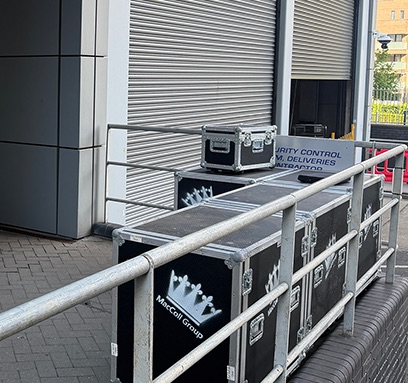
DataMove flight case packed with server equipment for secure transport

Why cardboard is a problem inside a data hall

Cardboard sheds fibre. Not much per box, but enough that most operators don’t allow it past the door of a live hall, and those that do usually require it broken down in a staging area rather than opened at the cabinet.


The reason is contamination. A data hall’s air handling is designed to keep particulate out of equipment intakes. Introducing a material that produces dust every time it’s cut, folded or torn works directly against that.


So even where cartons are permitted in the building, they usually aren’t permitted where the work happens. That means unpacking somewhere else and carrying units to the cabinet, which reintroduces exactly the manual handling the cases were avoiding.

The EPE question

A common specification is 2cm of expanded polyethylene foam on all faces. It sounds thorough and it isn’t unreasonable in principle.


The problem is load. EPE performs well protecting light and medium items against shock. Under a 35-kilogram chassis it compresses, and once compressed it stops absorbing anything — the equipment is effectively resting on the box floor. Add stacking, and the foam under the bottom unit is carrying everything above it.


Foam also doesn’t stop movement. A chassis sitting in a box that’s 15mm oversized will shift and rotate in transit no matter how well it’s padded, and it’s the repeated small movements over a few hundred miles that loosen drive carriers and backplane connections.


None of that means foam is useless. It means foam is a supplement to a method, not a method on its own.

Damaged Cisco Switches Due to Cardboard Packaging

Why how you pack servers for transport decides your date

Modern server chassis are deep. A common depth is around 870mm, and standard carton stock doesn’t accommodate that in a size that also fits the height and width sensibly.


Which means bespoke. Bespoke cartons need a specification, tooling, a minimum order quantity and a production run. Realistically that’s weeks, not days, and it isn’t something a supplier will accelerate for a single job.


This is where a late change of packing method stops being a packing decision. If a move is four days out and someone specifies bespoke cartons, the honest answer is that the move isn’t happening on that date. Not because anyone is being difficult, but because the material doesn’t exist yet and can’t be made in time.


Transit cases avoid this because a specialist already owns them. They’re a capital asset reused across hundreds of jobs, which is why they cost more on the first movement and nothing on the hundredth.

Who owns the method statement

This is the part that matters commercially and gets settled too late.


Whoever moves the equipment carries the risk of damaging it. That risk is priced into the quote, underwritten by a cargo policy, and usually capped in the contract. All three of those are calculated on the basis of a stated packing method.


Change the method and every one of them changes with it. A cargo insurer asked to cover carton-packed servers is being asked to cover a different risk from the one they quoted, and a contractor asked to accept liability for a method they didn’t choose is being asked to accept somebody else’s decision.


That’s why the method statement should be agreed before the date is agreed, and written into the contract rather than assumed. Not as a formality — because it determines whether the date is achievable at all.


I wrote about this recently and the response was more emphatic than expected. Two people independently described rack-format cases as simply how the industry moves servers, and several more were surprised anyone would propose otherwise. There is more consensus on this among people who do the work than the variety of practice suggests.

The short version

If the equipment is being moved by people who own transit cases, use the cases. If it’s being moved by a general logistics operation that packs everything in boxes, expect to answer questions about hall access, unpacking areas, manual handling and lead times that the box price doesn’t include.


Don’t forget the insurance claims.


And whichever method is chosen, choose it before the date is set. That is the single decision that most often determines whether a relocation runs when it’s supposed to.

Equinix LD3

What Happens When a Colocation Exit Date Can’t Move?

Empty Colocation Cage at Equinix LD3

What Happens When a Colocation Exit Date Can't Move?

Most data centre projects have a date that can slip. A colocation exit is not one of them.


When a contract ends, the cage has to be empty. The operator has the next tenant lined up, the billing stops when the space is handed back, and every day beyond the date is chargeable. There is no version of the conversation where the equipment stays a little longer while someone finishes a form.


We ran a job last month that made the point neatly. A client was leaving a UK colocation facility and moving 28 units of production hardware to their own site in the United States. Air freight, not sea.

Cage to be cleared completely, including the cabinets. Fixed exit date.


The move itself went to plan. Three things did not, and all three were the sort of problem that stops a job dead if you meet them on the day rather than three weeks out.

Who actually owns the racks?

The client’s brief was straightforward: the servers come out, and so do the cabinets.


The facility’s position was different. As far as they were concerned, the cabinets belonged to them.

This is more common than people expect, and it matters enormously. If we had arrived and started unbolting on the client’s instruction, we would have been dismantling someone else’s property inside their building. If we had accepted the operator’s position without checking, the client would have paid to leave behind three cabinets they owned.


It took time to establish, and it had to be established in writing before anyone touched anything.

The underlying issue is that colocation contracts often run for years, staff change on both sides, and what was supplied by whom at the start stops being obvious. The cabinets may have come with the space. They may have been bought by the tenant and installed by the operator. They may have been swapped at some point and nobody recorded it.

Rows of Server Cabinets in a Colocation Cage
Populated Colocation Cage Before Load Out

If you are planning an exit, this is worth resolving early, in writing, with the operator rather than from memory. It is not a question you want to open on the morning of the move with a crew standing in the aisle.

The paperwork starts long before the screwdrivers

Everything about moving hardware across a border has a lead time, and none of those lead times care about your exit date.


The equipment had to be classified for customs before it could be booked. Server hardware sits close to several tariff headings, and the difference between them is not academic – under the semiconductor measures now in force, the wrong code can attach a substantial surcharge to the whole shipment. Getting that right is the importer’s responsibility, and it needs the broker’s sign-off rather than a best guess.


An importer of record had to be appointed at the far end. Somebody has to be legally responsible for the goods entering the country, and that appointment takes paperwork and time.


The packing method had to be decided early too. Anything moving by air on timber pallets needs heat treatment certification under ISPM-15, not always available. We built onto air-worthy skids – three of them, roughly 880 kilograms all in.


None of this involves lifting anything. All of it has to be finished before the lifting can start.

Two tickets crossed, and it cost three hours

On the day, the crew arrived to find the equipment still powered and the PDUs not released.

The facility had raised the work as two separate tickets and the timings had crossed. Not unusual, not anybody’s fault in particular, and it was sorted out inside three hours once we were on site and could talk to the right people directly.


The reason it cost three hours rather than the day is that the schedule had room in it. A plan with no float in it is a plan that fails the first time an operator’s ticketing system does something ordinary.

That is most of what experience buys on this kind of work. Not the ability to avoid problems – you cannot – but knowing which ones are likely enough that the schedule should absorb them.

What left, and what didn’t

Twenty-eight units were retained, packed and skidded for the flight, and handed to the freight forwarder at Heathrow on schedule.


The rest did not travel. The three 47U cabinets stayed in place at the direction of the operator, whilst a set of PDUs, several firewalls, some servers and a workstation were removed for disposal. Everything with data on it was handled under a documented erasure process, with certification to follow. The WEEE side of it was documented separately.


The cage was left clear.


That last part is worth saying plainly, because it is the bit that decides whether the exit is actually complete. An operator does not accept a space back with three empty cabinets and a pile of PDUs in it. Until the cage is genuinely empty, the contract has not ended and the billing has not stopped.

The lifting is the easy part

There is a version of this industry that sells the physical work — the crews, the vans, the careful handling. All of that is real, and it matters.


But on this job, the equipment was never at risk. What was at risk was the exit date, and the things that threatened it were an ownership question nobody had settled, a customs classification that needed a specialist decision, an importer appointment at the other end, a packing standard driven by aviation rules, and an operator’s ticket that fired at the wrong time.


None of those are solved with a trolley.


If you are looking at a colocation exit with a date attached to it, the useful question is not who can move the equipment. Most competent firms can move equipment. The question is who is going to identify the constraints early enough that they do not become the reason you miss the date.


DataMove specialises in cross-border data centre relocation, migration and decommissioning, working across the UK, Europe and internationally. If you have an exit date and a room full of equipment, we are happy to talk it through.

Who Owns the Servers When the Tenant Has Gone?

Who Owns the Servers When the Tenant Has Gone?

A secure IT clearance turns on one question, and it is not the one most people expect. Here is a situation that comes up more often than you would think.


A commercial tenant leaves a building. Sometimes the lease ends cleanly. Sometimes it does not – the tenant goes under, or is removed, or simply walks away. And they leave behind a comms room: racks of servers, switches, storage, a tangle of cabling, and somewhere in there a stack of drives with data on them.


Now someone has to deal with it. Usually that someone is not the person who bought the equipment, installed it, or has any idea what is on it. It is the landlord, or the managing agent, or a developer who has just taken possession of a building with somebody else’s data centre still humming away in the basement.


And the first question — before anything is unplugged, boxed or moved – is deceptively simple. Who actually owns this, and who is allowed to say what happens to it?


Get that question wrong and a routine clearance becomes a legal problem. Get it right, and it is one of the more straightforward jobs we do. The difference is entirely in the paperwork, not the lifting.

Why a secure IT clearance is not like a normal clearance

Clearing furniture from an abandoned unit is low-risk. A desk is a desk. Nobody’s personal data is on it, and its value is obvious and low.


IT equipment is different on both counts.


It may hold data that belongs to someone else entirely – not the landlord, not the departed tenant, but that tenant’s own customers. A server in a repossessed office could contain personal data covered by UK GDPR, client records, financial information. Whoever moves or destroys that equipment has to be able to show they did so properly, because the obligations attached to that data do not vanish when the tenant does.


It has value that is not obvious. A populated server can hold significant resale value in its memory and drives. So this is not junk to be skipped – it is an asset of uncertain ownership, which is a more delicate thing.


And its ownership is genuinely unclear. The equipment might be owned outright by the former tenant. It might be leased, in which case a finance company owns it and will want it back. It might be subject to a dispute between landlord and tenant. Until that is established, the safest assumption is that it is not yours to destroy.

The document that makes it safe

When we take on a clearance like this, the work does not start with a van. It starts with a written instruction that establishes three things.


Who is instructing us, and on what authority. We take direction from one party — the landlord, the agent, the appointed representative — and that authority is stated in writing before we attend. If the former tenant turns up on site claiming the kit is theirs, we do not adjudicate that on the loading bay. We stop, and we refer it back to the party who instructed us. That protects everyone, including us.


What is actually there. Before anything moves, we build an equipment record on site — make, model, serial number, condition, item by item. This is not administrative padding. It is the thing that lets everyone prove, later, exactly what was removed from the building and what condition it was in. If ownership is disputed after the fact, that record is the evidence.


Where it is going, and who signs for it. Whether the equipment goes into storage, to secure erasure, or to resale, custody passes at a signature against that same record. A named person receives it and signs for each item. Our responsibility for the equipment ends at that signature, and begins at the one taken when we collected it. In between, it is a documented chain with no gaps.

The data question, specifically

If there are data-bearing drives — and in a comms room there always are — destroying or wiping them is not a decision to take lightly on someone else’s behalf.


The defensible route is certified erasure or destruction, carried out to a recognised standard, with a certificate issued per drive by serial number. That certificate is what allows the instructing party to demonstrate, if anyone ever asks, that data was disposed of properly and not simply tipped into a skip or, worse, sold on with the information still readable.


This matters even when – especially when – the equipment is then resold. A drive that still holds a previous occupant’s data cannot be resold until it has been provably wiped. Certified erasure is not just good practice; it is the thing that turns an awkward liability back into a saleable asset.

The practical order of events

For anyone who finds themselves holding a building with someone else’s IT still in it, the sequence that keeps you safe is:


  1. Do not let anyone remove anything informally. The moment kit leaves the building undocumented, you have lost control of both the asset and the data.
  2. Establish who has authority to instruct — and get it in writing before work begins.
  3. Have the equipment audited on site before it moves, so there is a record of exactly what was there.
  4. Deal with the data properly — certified erasure or destruction, evidenced per drive.
  5. Pass custody on a signature, against the audit, to a named recipient at a known destination.

None of this is difficult. It simply has to be done in the right order, and it has to be written down, because the value of doing it properly only becomes apparent if something later goes wrong.


comms room after clearance by DataMove team
Fully Cleared Comms Room

The point

The lifting and the driving are the easy part of a clearance like this. Anyone can move a rack.


What actually matters is the chain of custody — knowing whose equipment it is, proving what was there, disposing of the data defensibly, and being able to show a clean, signed record from the moment the work started to the moment responsibility passed to someone else.


That is the difference between a clearance that closes a problem and one that opens a new one.


DataMove carries out secure IT clearances, decommissioning, certified data erasure and asset recovery across the UK, Europe and 58+ countries — with a documented chain of custody from first attendance to final sign-off. Get in touch to discuss a clearance.