
Project Manager – EMEA – DataMove
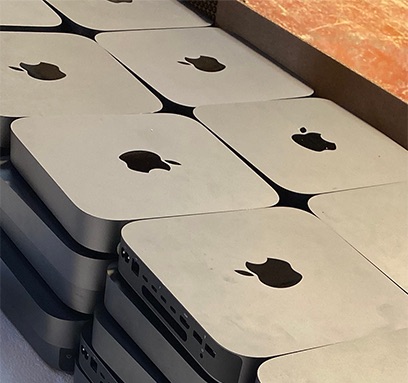
Mac data erasure looks simple. Open System Settings, choose Erase All Content and Settings, wait a few minutes, and the Mac comes back to the setup screen. For a home user, that is enough. For an organisation retiring a fleet of MacBooks, it leaves one question unanswered: how do you prove it happened?
That question is where most Mac disposals fall down. Not because the data is still there, but because nobody can show an auditor, an insurer or a regulator that it isn’t.
How Mac data erasure works on Apple silicon
On Apple silicon Macs, and Intel Macs with the T2 chip, the internal SSD is encrypted all the time, with keys held in the Secure Enclave. Erase All Content and Settings destroys those keys. Without them, the data on the SSD is unreadable.
That is a cryptographic erase, and it meets the NIST SP 800-88 definition of Purge. Technically, the erasure is sound.
The problem: a factory reset leaves no record
What a factory reset doesn’t give you is evidence. There is no certificate, no serial number logged against a date and time, no record of who did it or what method was used. Multiply that by a few hundred MacBooks and you have a disposal you can describe but not prove.
That matters when:
- an auditor asks for evidence that each device was sanitised before it left your control
- a device turns up later and you need to show what happened to it
- your data protection policy requires a certificate per device, not a statement that “they were all wiped”
There is also a practical catch. If Find My Mac or Activation Lock is still on, the Mac is locked to its previous owner. It can’t be reused or resold, and its value drops to parts.
Certified Mac data erasure: what good looks like
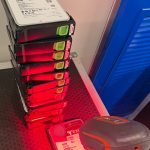
A defensible Mac disposal gives you a record for every device, not just a clean screen. We use Ziperase, which runs the same cryptographic erase on Apple silicon and T2 Macs but wraps it in an audit trail:
- a signed certificate for every Mac, as PDF and machine-readable JSON, matched to its serial number
- erasure to NIST SP 800-88 Rev 2 and IEEE 2883
- Activation Lock checked before the device leaves, so locked units are caught early
- independently tested under the ADISA Product Claims Test
Every device ends up with one of two outcomes: erased with a certificate, or destroyed with one. Nothing falls between.
When a Mac won’t boot
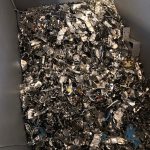
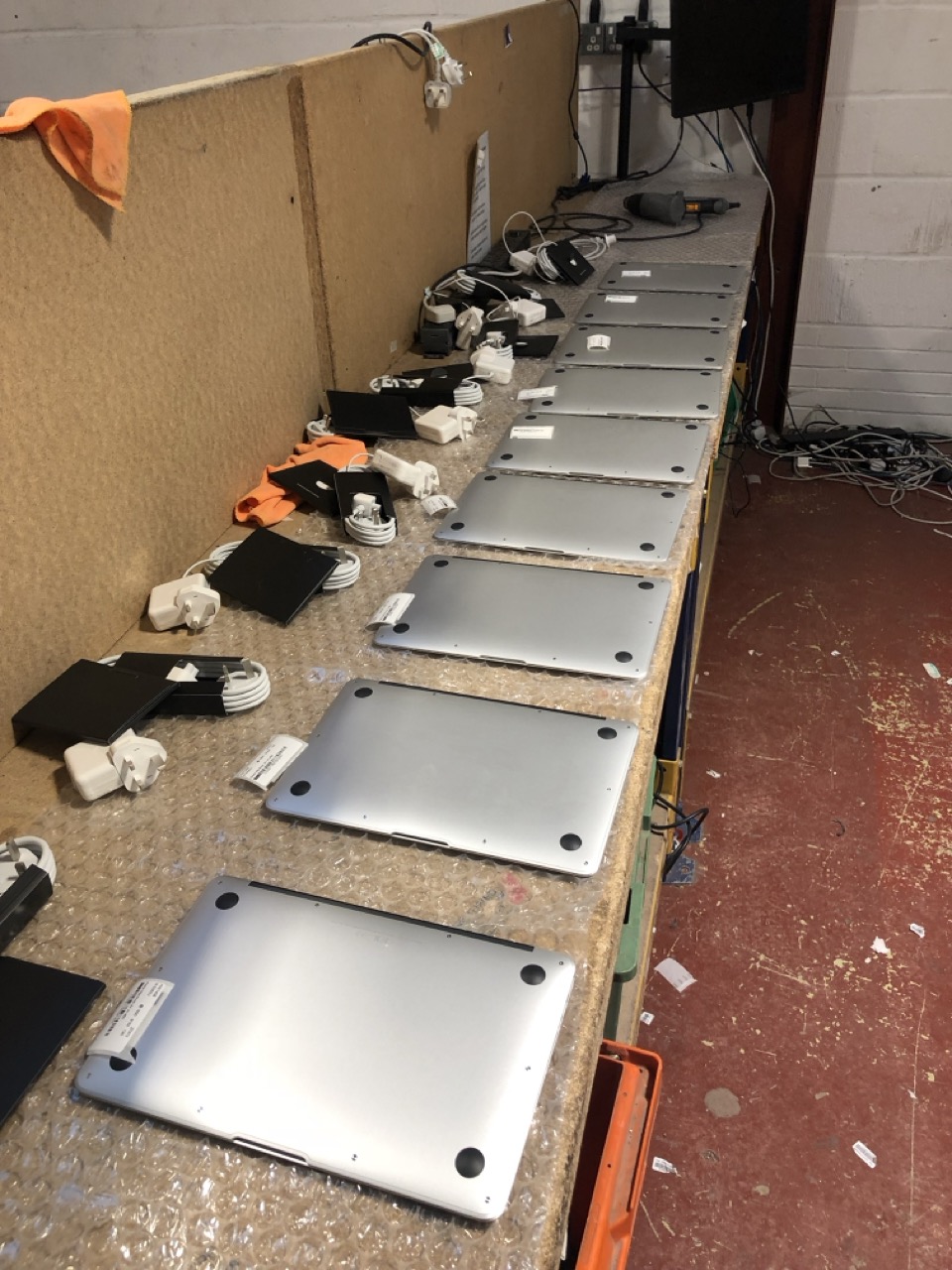
Apple silicon Macs have the SSD soldered to the logic board. If a Mac won’t power on, it can’t be erased with software, and the drive can’t be pulled and wiped separately. Those units are physically destroyed, and recorded by serial number on a certificate of destruction.
Erasure versus shredding
Shredding every Mac feels safest, but it throws away value. A working MacBook that has been properly erased can be reused or resold, and that return often covers the cost of the disposal. Shredding turns it into scrap.
For working devices, certified erasure gives you the same assurance, with proof, and keeps the value. Shredding is for the units that can’t be erased.

Mac data erasure with DataMove
We have been handling Apple estates for well over a decade, from single offices to public sector fleets of thousands of devices. We erase on site or at our secure facility, record every device in our own ITAD platform, and issue a certificate per Mac. Anything with resale value is graded and offered back as buyback against the cost of the job.
If you are retiring Macs and need proof, not just a factory reset, get in touch and we will scope it with you.