[pci-cat-slider slidestoshow="4" exclude_cat="4" show_count="false"]

Cross-Border Data Centre Decommissioning: Why Shredded Drives Can’t Travel

hdds

Cross-Border Data Centre Decommissioning: Why Shredded Drives Can’t Travel

Cross-border data centre decommissioning raises a question most project plans miss until late: once a drive has been shredded, where can it go? The answer is usually nowhere, at least not across a border without paperwork, consent and time that most projects do not have.

A shredded drive is waste

A working server is a product. It can be audited, packed and shipped like any other equipment. A shredded hard drive is different. Once it has been destroyed, it has no further use, and it becomes waste electrical and electronic equipment (WEEE).


That matters because waste does not move across borders the way products do.
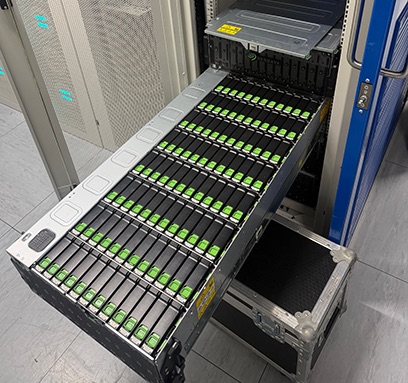
 

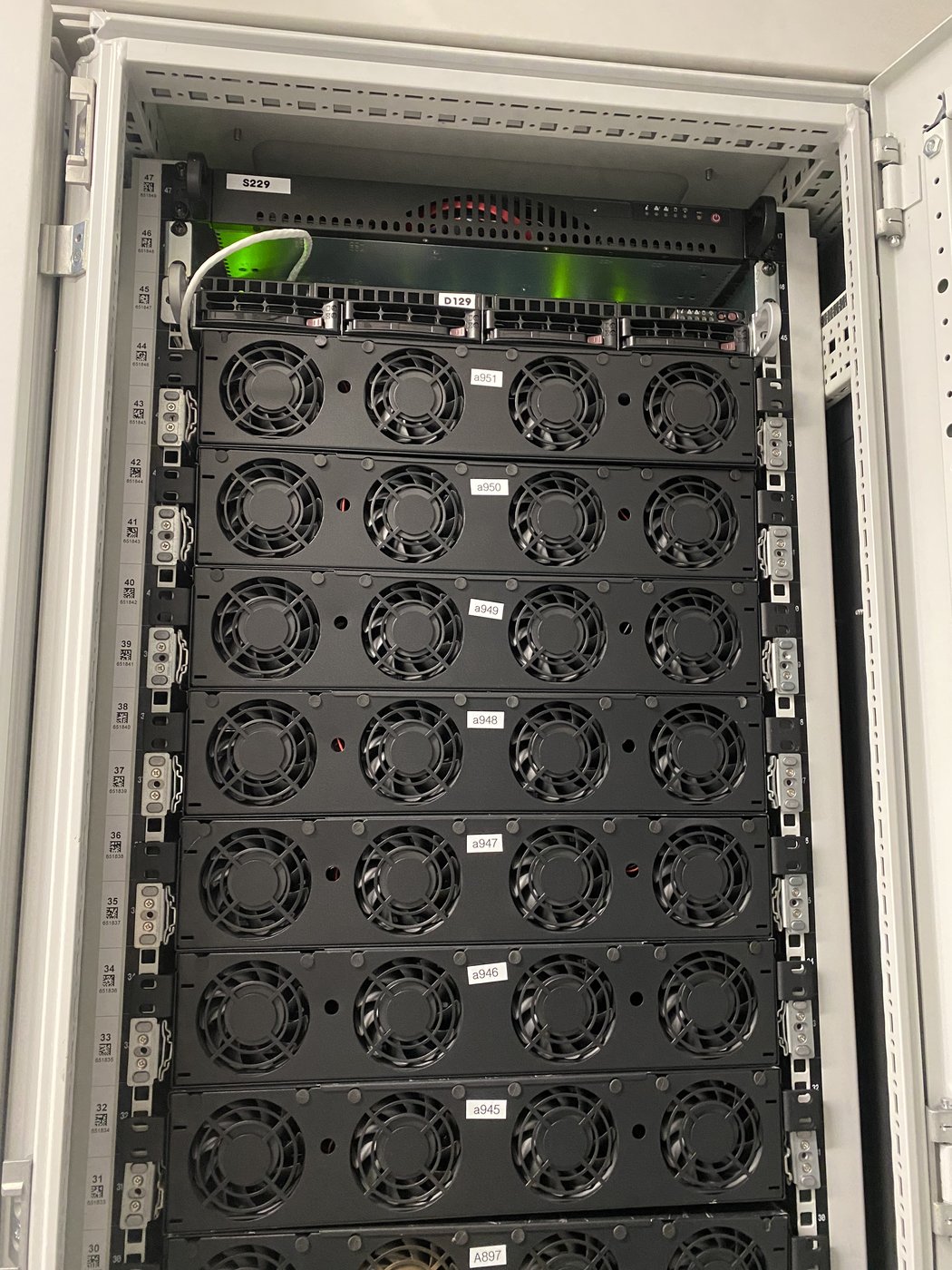
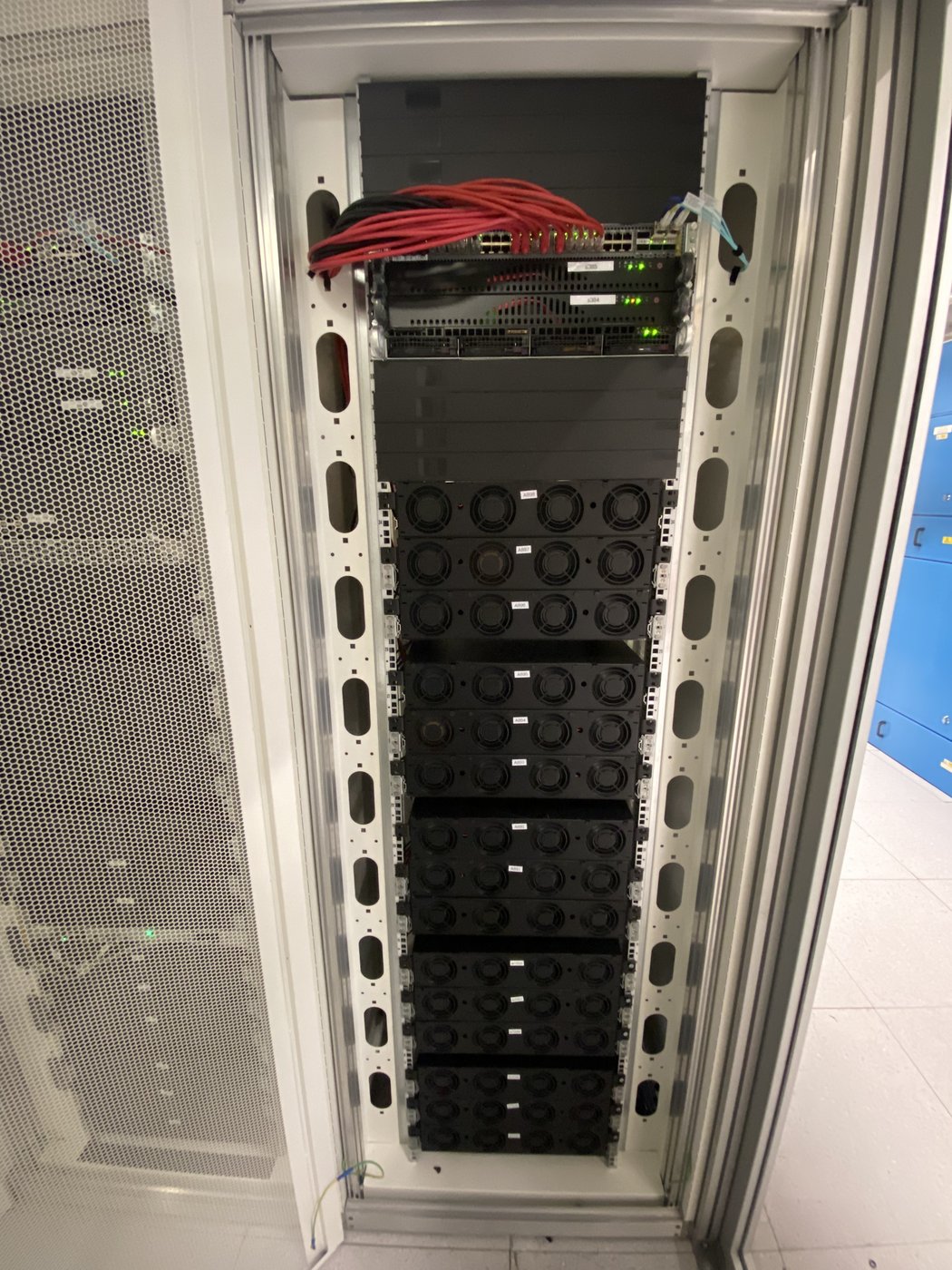
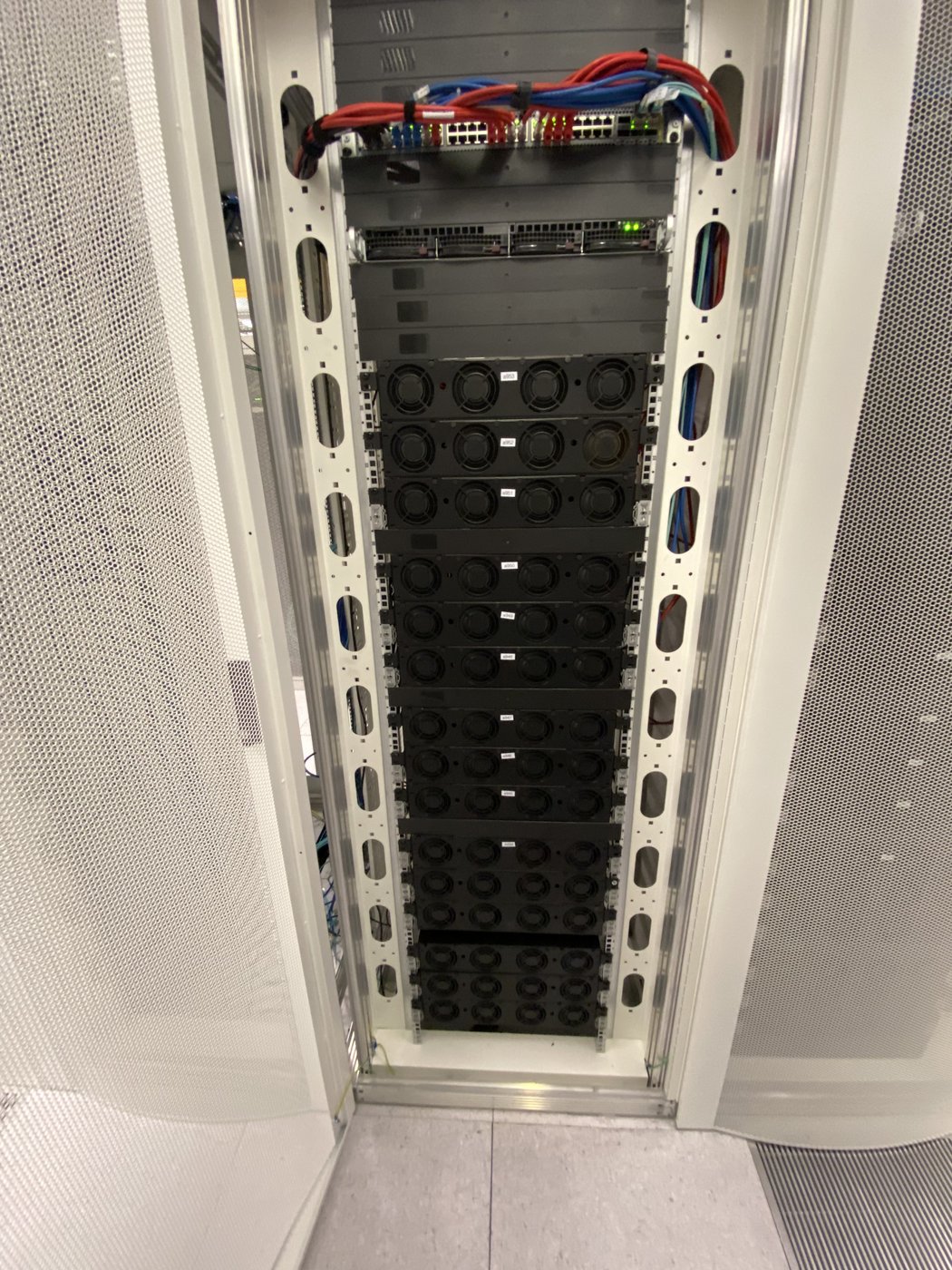
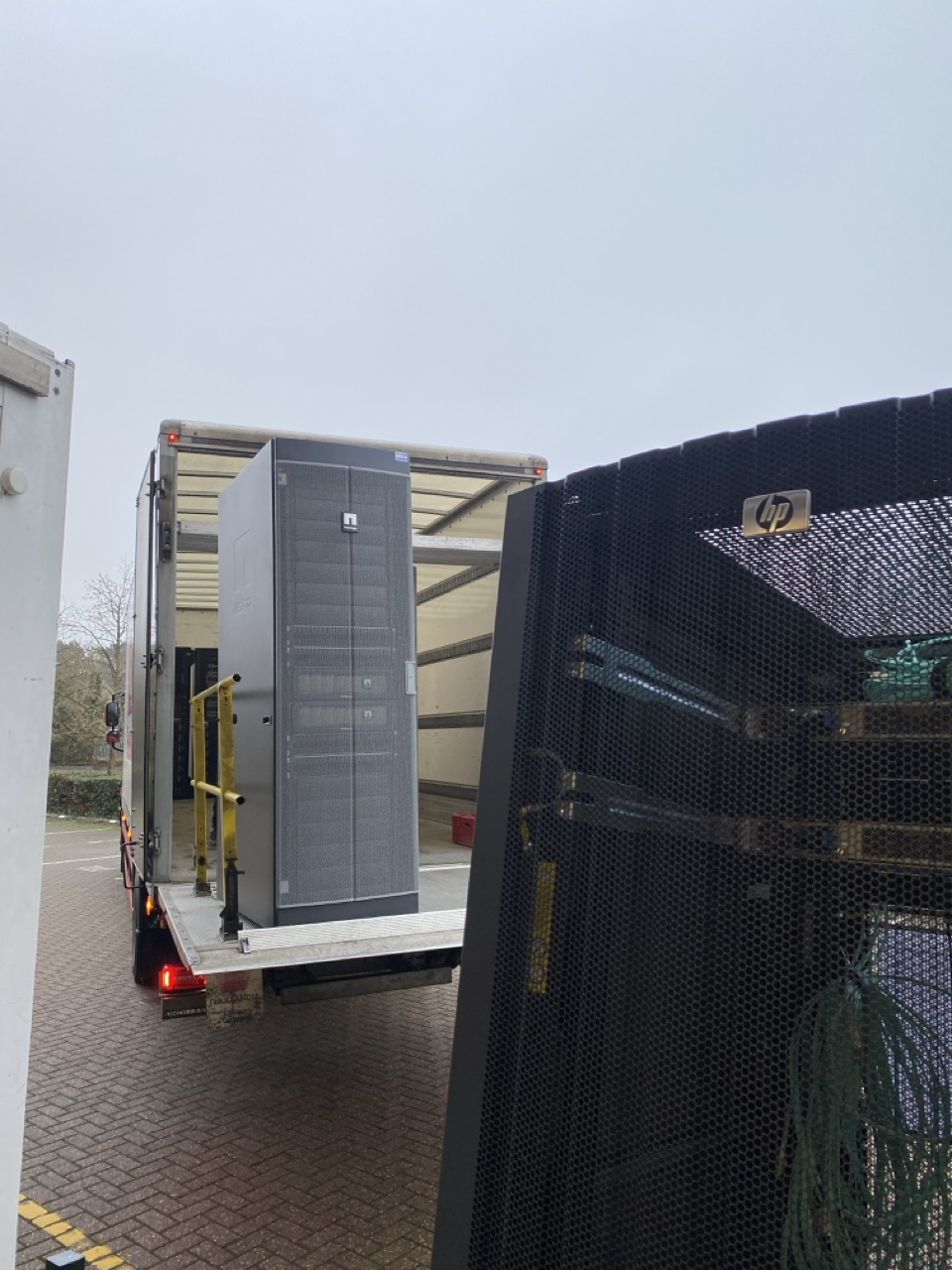
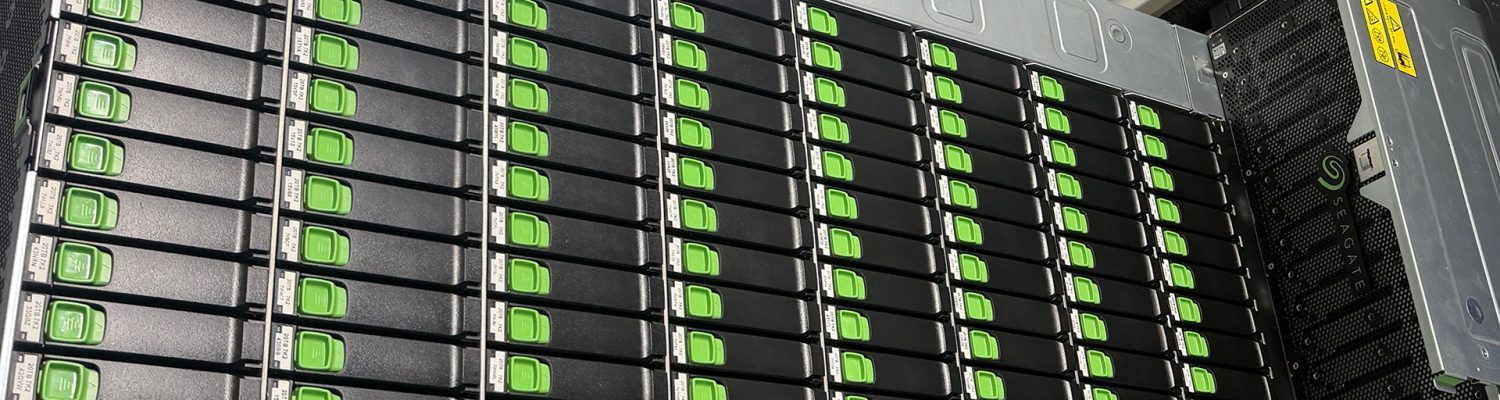
High Density Storage Array Awaiting Processing
High Density Storage unit awaiting audit and shredding

The rules changed in 2025

Since 1 January 2025, amendments to the Basel Convention have brought electronic waste, including shredded and processed fractions, under the prior informed consent procedure. In practice, before a shipment moves, the exporter must notify the authorities in the country of dispatch, any transit countries and the destination, and wait for written consent from each.


  • Within the EU: most e-waste shipments between member states now need prior consent. Certain non-hazardous e-waste can still move under a lighter procedure, but only until the end of 2026.
  • From the UK: all WEEE exported for recovery to the EU or OECD countries must be notified.
  • Since May 2026, the new EU Waste Shipment Regulation has moved these procedures onto a central electronic system.

A notified shipment also needs a contract with a licensed receiving facility and a financial guarantee. None of that fits a decommissioning programme with a fixed exit date.

What this means for a decommissioning project

If you are clearing racks in Amsterdam, Frankfurt or Dublin, and the plan is to shred the drives on site and bring the shreddings back to the UK, or across to another EU country, for recycling, that plan has a problem.


The practical answer is to destroy and recycle in-country:

  • Drives are shredded on site by a mobile shredding partner, to H-5 for HDDs and E-5 for SSDs under DIN 66399 / ISO/IEC 21964
  • Every drive serial is recorded before destruction
  • The shreddings go to a licensed recycler in the same country
  • You receive a certificate of destruction listing every serial

The hardware can still travel. Only the waste stays put.
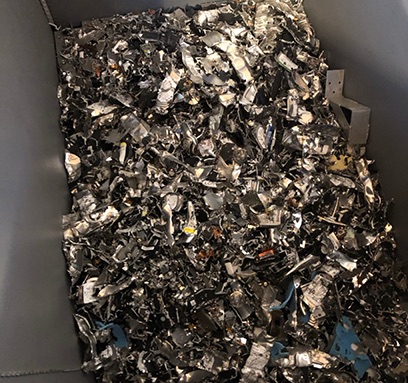
 

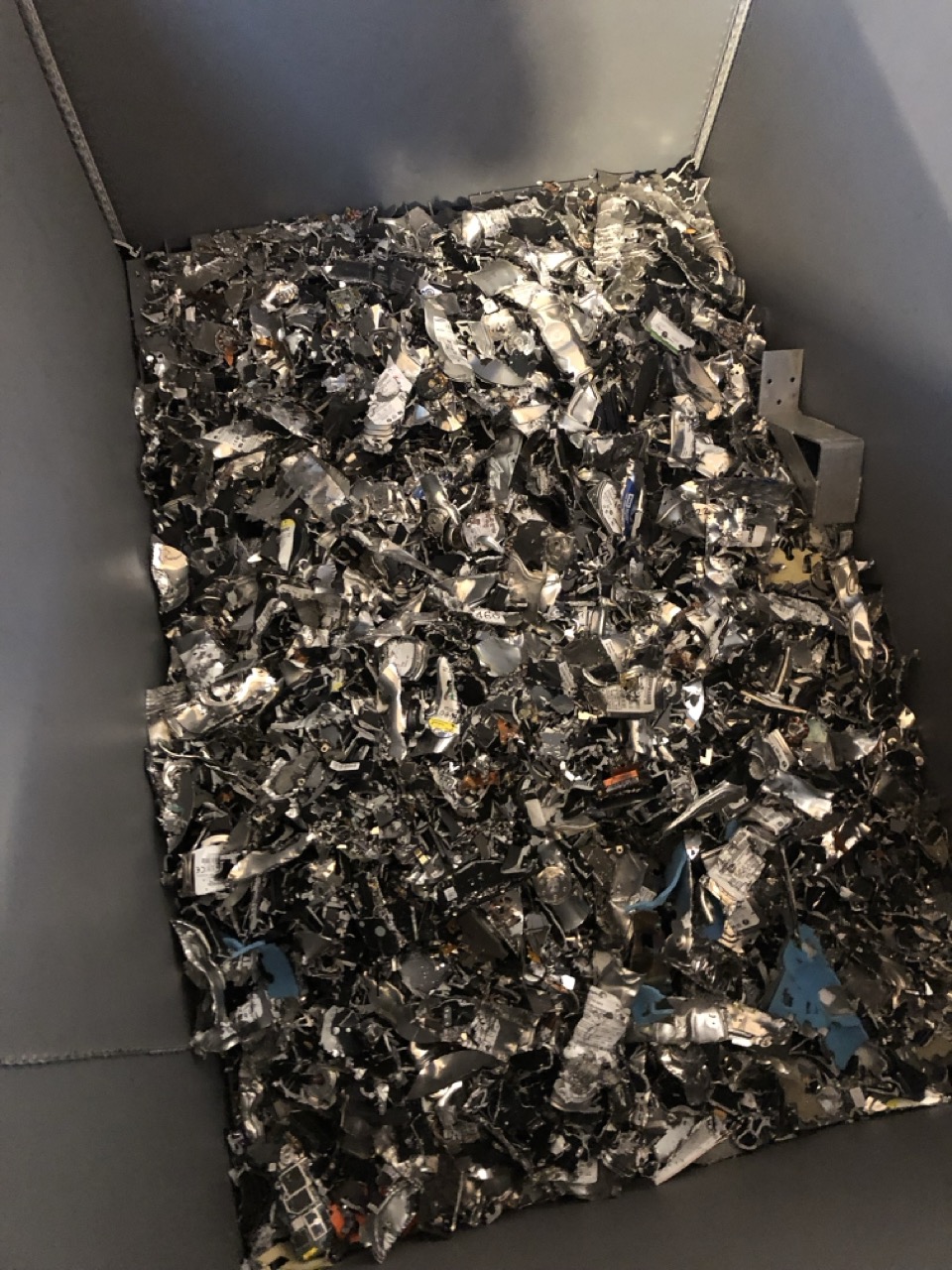
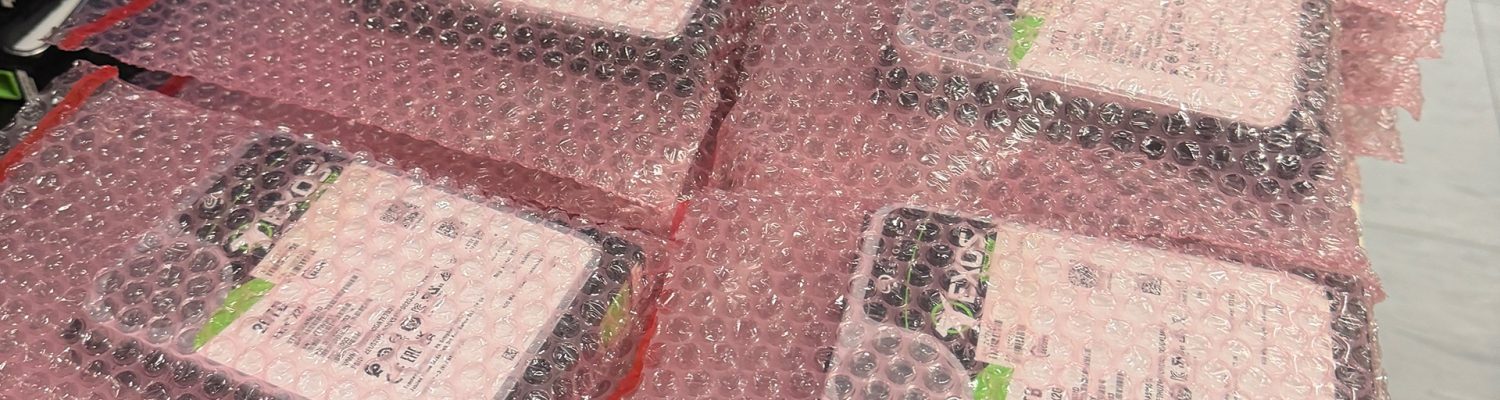
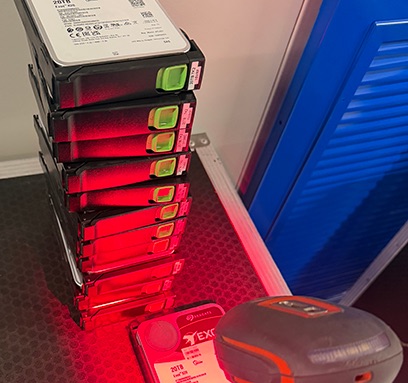
Hard Drive Shreddings Awaiting Disposal

Erasure keeps drives out of the waste stream

There is an alternative. A drive that has been securely erased, tested and documented as working is a used product, not waste. It can move with the rest of the hardware and be resold, which also recovers value.


Which route is right depends on your data security policy. Some organisations require physical destruction on site; others accept certified erasure. Read more on hard drive shredding vs data erasure.

Plan it at the start

The point to decide is early, before the contract with the shredding partner is signed and before the exit date is fixed. Questions to settle:


  • Will drives be shredded or erased?
  • If shredded, is there a licensed partner who can shred and recycle in each country?
  • Does your certificate need to list individual serials?
  • Is any hardware leaving the country, and is it all classed as working equipment?

How DataMove handles it

We run data centre decommissioning across the UK and Europe, with destruction and recycling partners in Germany and the Netherlands, so drives are destroyed and recycled where they sit, and the hardware is audited, moved and resold. Read more about our data centre decommissioning service, or get in touch for a quote.


This article is general guidance, not legal advice. Waste classification depends on the material, and should be confirmed with your waste partner or the competent authority.

GPU Server Relocation: Two Racks to Docklands, a Third Sold in a Week

gpu-move-flight-cases

GPU Server Relocation: Two Racks to Docklands, a Third Sold in a Week

Earlier this year a client running GPU servers in central London asked us for a GPU server relocation: two racks to a new site in Docklands. A third rack was being wound down after swings in the crypto market, and the client wanted it turned into cash rather than left idle.

GPU server relocation: moving the two live racks

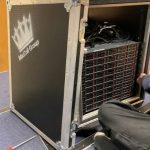
The GPU servers were powered down, taken out of the racks and packed into our flight cases, then moved across London to the new site. There they were re-racked and the network switches configured before handover.

Rack of GPU servers before the move
GPU servers in place before the move

Rack part-emptied during a GPU server relocation
Racks part-emptied during the uplift

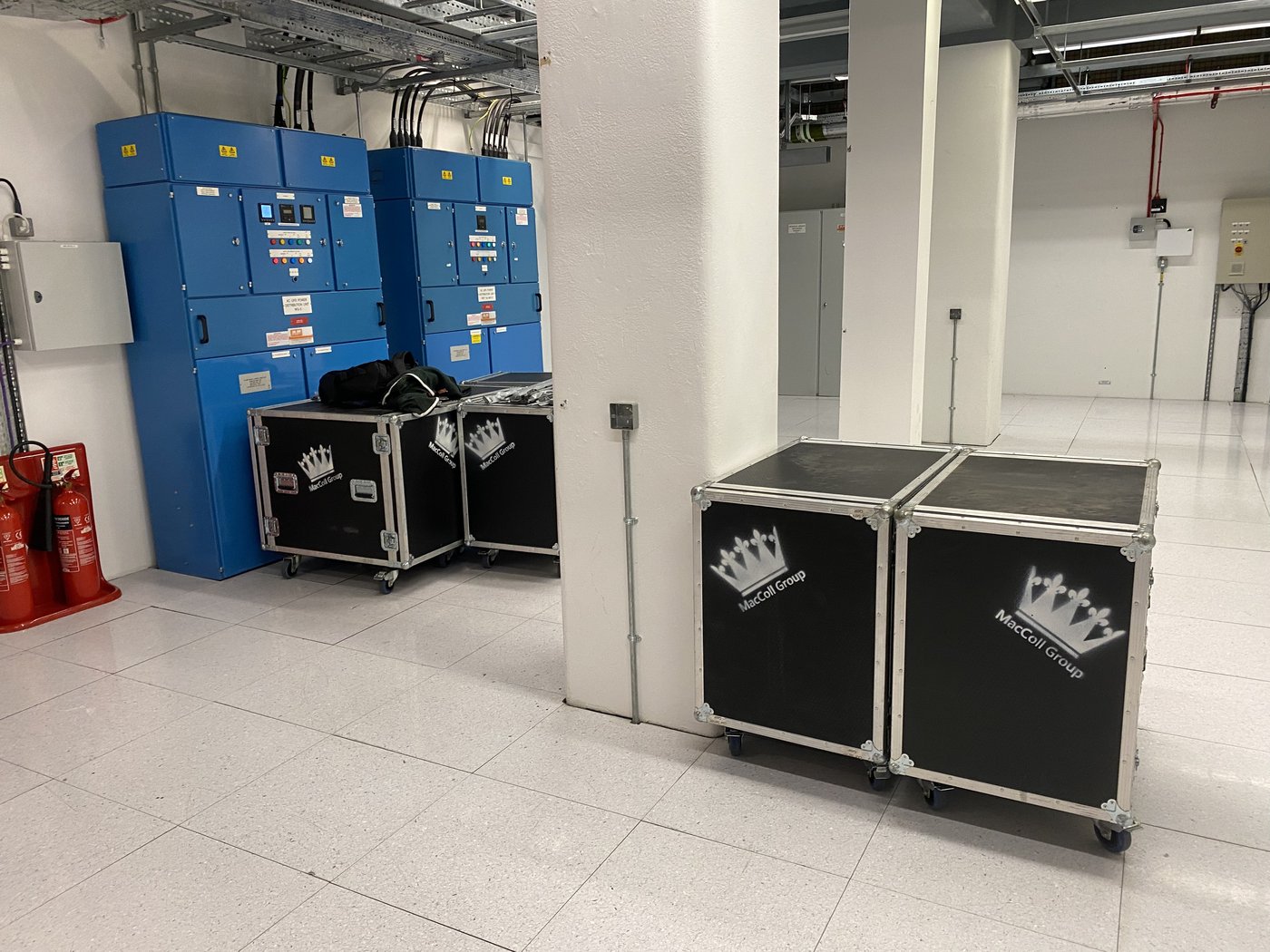
DataMove flight cases ready for loading
Flight cases ready for loading

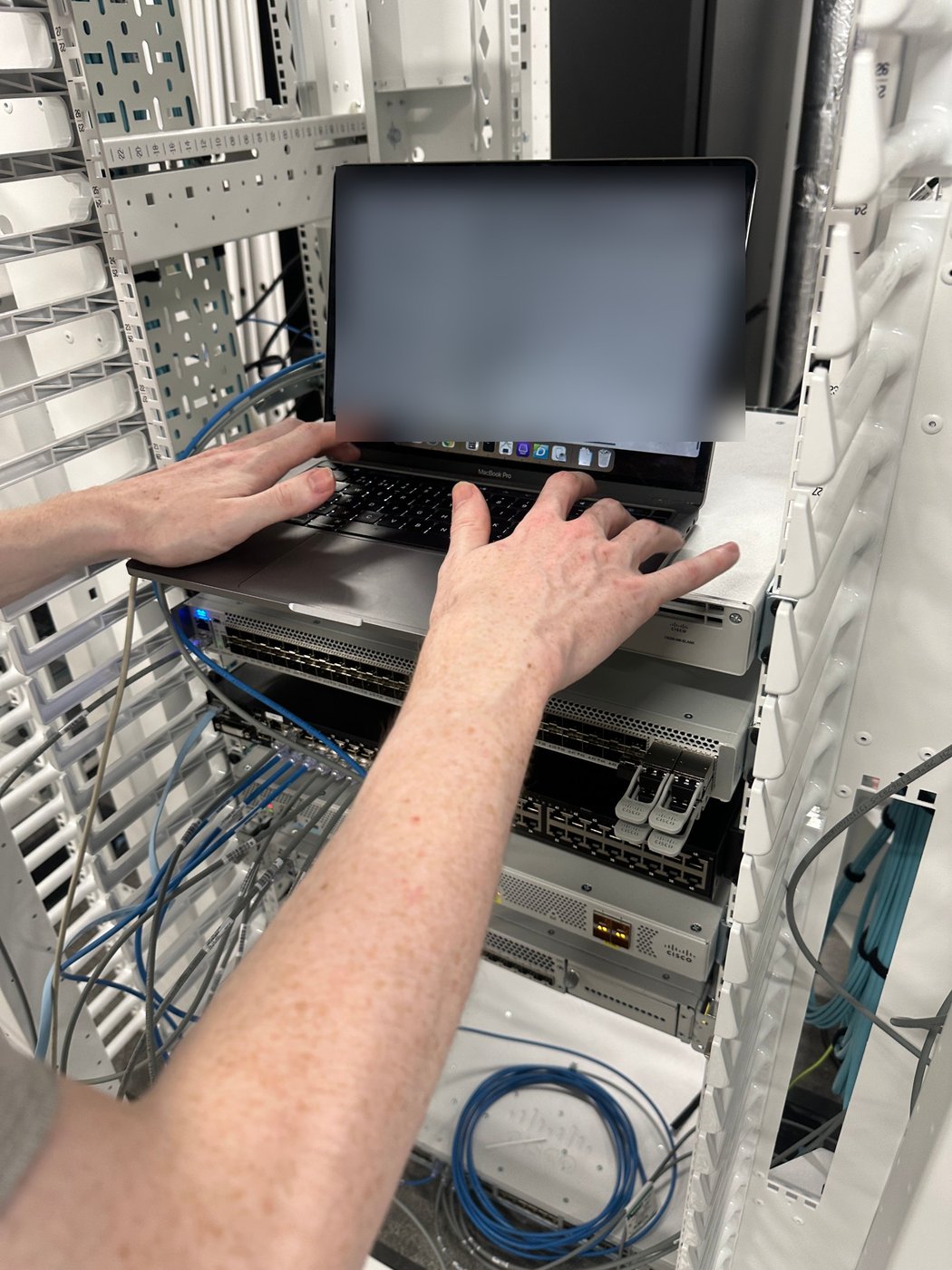
Engineer configuring network switches at the new site
Configuring the network switches at the new site

Selling the third rack

We went to our own list of established buyers rather than a general reseller. A long-standing buyer made a strong cash offer, and the sale was done within the week.

GPU servers from the third rack ahead of sale
Servers from the third rack ahead of sale

One supplier for both jobs

Using one team for the relocation and the resale meant one plan and one chain of custody, with no gap between hardware leaving service and money coming back to the client.

Moving or retiring GPU servers?

Read about our rack relocation and asset audit and valuation services, or get in touch.

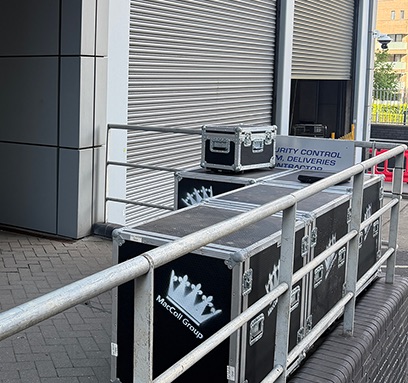
Telehouse Loading bay

Multi-Site Data Centre Relocation: Planning Moves Across Several Sites

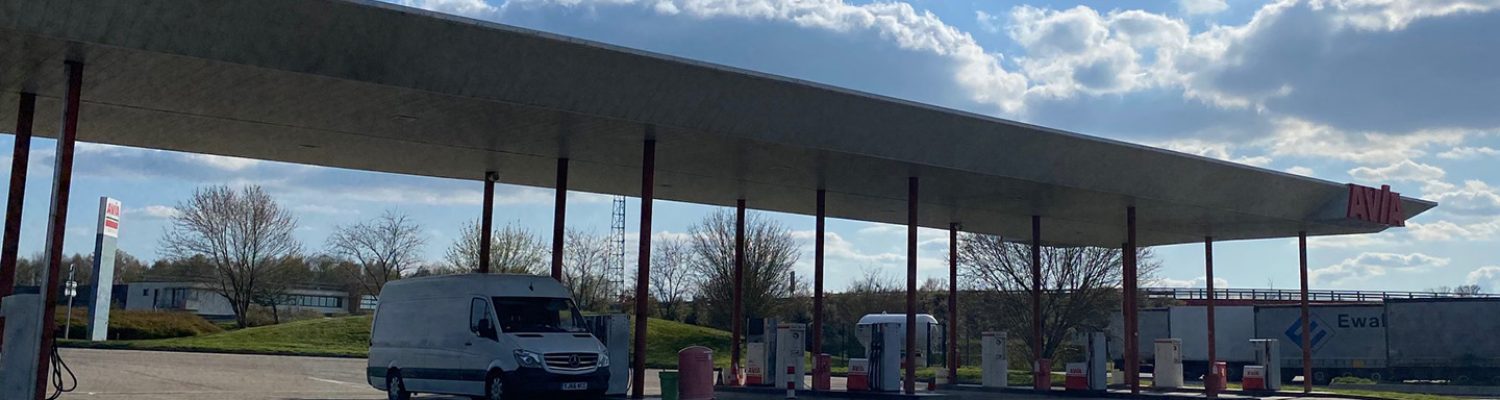
DataMove van at station during last-minute onsite data erasure trip to France

Multi-Site Data Centre Relocation: Moving Several Sites Without Losing Control

Multi-site data centre relocation is a different job from a single move. The lifting and packing are the same, but the risk moves from the rack to the programme. Every site has its own access rules, loading bay slots, escort requirements and change windows, and one late slot at one site can knock out the plan at the other three.


This guide covers how to plan a move across several data centres (or data centers, if your estate spans the Atlantic) so that it runs as one project, not four.

Why multi-site moves go wrong

Most multi-site moves fail on coordination, not handling. Typical problems:

  • Each site is booked separately, so nobody owns the overall timeline
  • Different contractors at each end, with different packing and labelling standards
  • Transport priced site by site, so vehicles are used inefficiently
  • Access paperwork submitted late for one site, holding up the whole move
  • Equipment arriving at a destination before the rack is ready to receive it

None of these is a technical problem. They are all planning problems, and they get worse with every site you add.


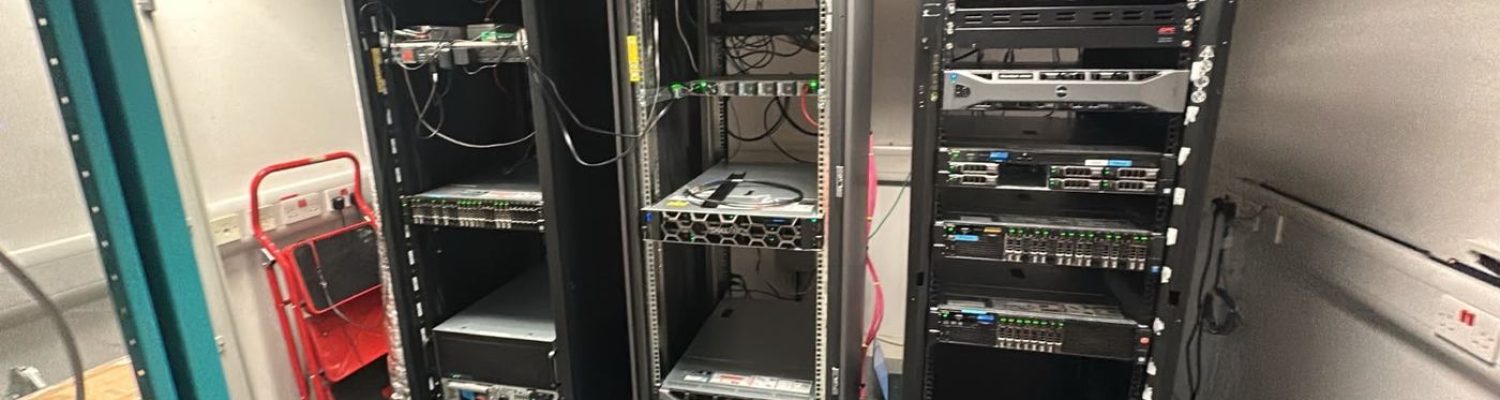
Dell Server Rack Awaiting Disposal
Racks being dismantled ready for movement

One plan, one owner

The single most important decision is having one team accountable from first collection to last power-up. That means one rack plan per site, one labelling scheme across the whole estate, and one schedule that shows every collection, transit and delivery in order.


When one team runs every site, a problem at one location is solved inside the programme rather than turning into a dispute between contractors.

Parallel or staggered?

There are two ways to sequence a multi-site move.


Parallel: all sites move at the same time. Downtime is shortest and the project finishes fastest, but you need more crews and vehicles at once, so it costs more.


Staggered: sites move one after another. The same crew can cover several sites and transport can be combined where routes allow, so it costs less, but the programme runs longer and you need to manage a period where your estate is split.


The right choice depends on how long each service can be offline and how much the sites depend on each other. We often price both, so the client can see the trade-off in pounds rather than guessing.

Transport between sites

For high-value equipment, dedicated vehicles going direct from dock to dock are the safest option. There is no groupage, no hub and no transfer between vehicles. Where several destinations lie on one route, a single vehicle can make a multi-drop run, which cuts cost without adding handling.


Cross-border moves add a layer. Moves within the EU need no customs formalities, but UK to EU moves do, and the rules on which operators can carry goods between EU countries matter when you are choosing a carrier. Build these into the plan early, not the week before.

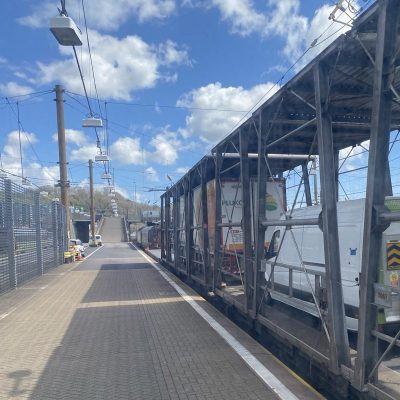
DataMove specialist IT transport vehicle on the Eurotunnel train during a cross-border data centre relocation to France
DataMove vehicle on the freight Eurotunnel

The same standard at every site

Equipment should be packed, labelled and documented the same way wherever it starts. In practice that means:

  • Every cable and device labelled before de-cabling
  • Equipment packed into secure, anti-static protection or sprung flight cases
  • A serial-level asset list that travels with the kit and is checked off at each end
  • Photos of each rack before and after
  • A signed handover at every destination

If one site is handled to a lower standard, that is the site where something goes missing.

Decommissioning at the same time

Most multi-site moves leave equipment behind: older servers, storage that has been replaced, network gear that will not be needed at the new site. It is far cheaper to decommission it in the same programme than to come back later.


Data-bearing drives can be shredded on site or securely erased, and the remaining hardware audited and resold. Shredded drives count as waste and cannot easily cross borders, so they should be destroyed and recycled in the country where they sit. Read more about our data centre decommissioning service.


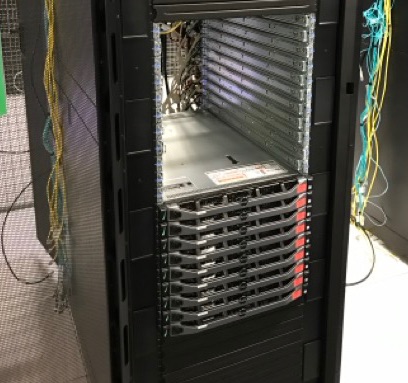
Client server room in France during onsite data erasure project
Servers post audit awaiting removal and erasure/resale

A short multi-site checklist

  • One accountable project owner across all sites
  • Access, escort and loading bay bookings confirmed at every site
  • Rack elevations for every origin and destination
  • Agreed sequence: parallel or staggered
  • Transport route and vehicle plan, including any border crossings
  • Insurance cover set per consignment, not just per project
  • A decommissioning plan for equipment that is not moving

How DataMove handles multi-site moves

We run multi-site and cross-border relocations as a single programme, using our own engineers at every origin and destination, dedicated vehicles and one schedule from start to finish. We have moved equipment across 58+ countries, so a move involving several sites and several borders is routine for us, not an exception.


If you are planning a move that touches more than one site, get in touch for a quote.

Hard Drive Shreddings Awaiting Disposal

Hard Drive Shredding vs Data Erasure: Which Does Your Decommissioning Need?

hdds

Hard Drive Shredding vs Data Erasure: Which Does Your Decommissioning Need?

Hard Drive shredding vs data erasure: every data centre decommissioning project has this question to answer. Both destroy the data. They lead to very different outcomes for cost, compliance and how much value you recover from the hardware, and the right answer is often a mix.

What shredding actually means

Physical shredding reduces a drive to small fragments, so the data can’t be recovered. The recognised standard is DIN 66399 (also published as ISO/IEC 21964), which sets security levels by particle size. For confidential data, hard drives are typically shredded to H-5 and solid-state drives to E-5.


The difference matters. An SSD stores data on small flash chips, so a shred that’s fine for a hard drive can leave chips intact. SSDs need a much finer cut, which is why they’re classified separately and usually cost more per unit to destroy.


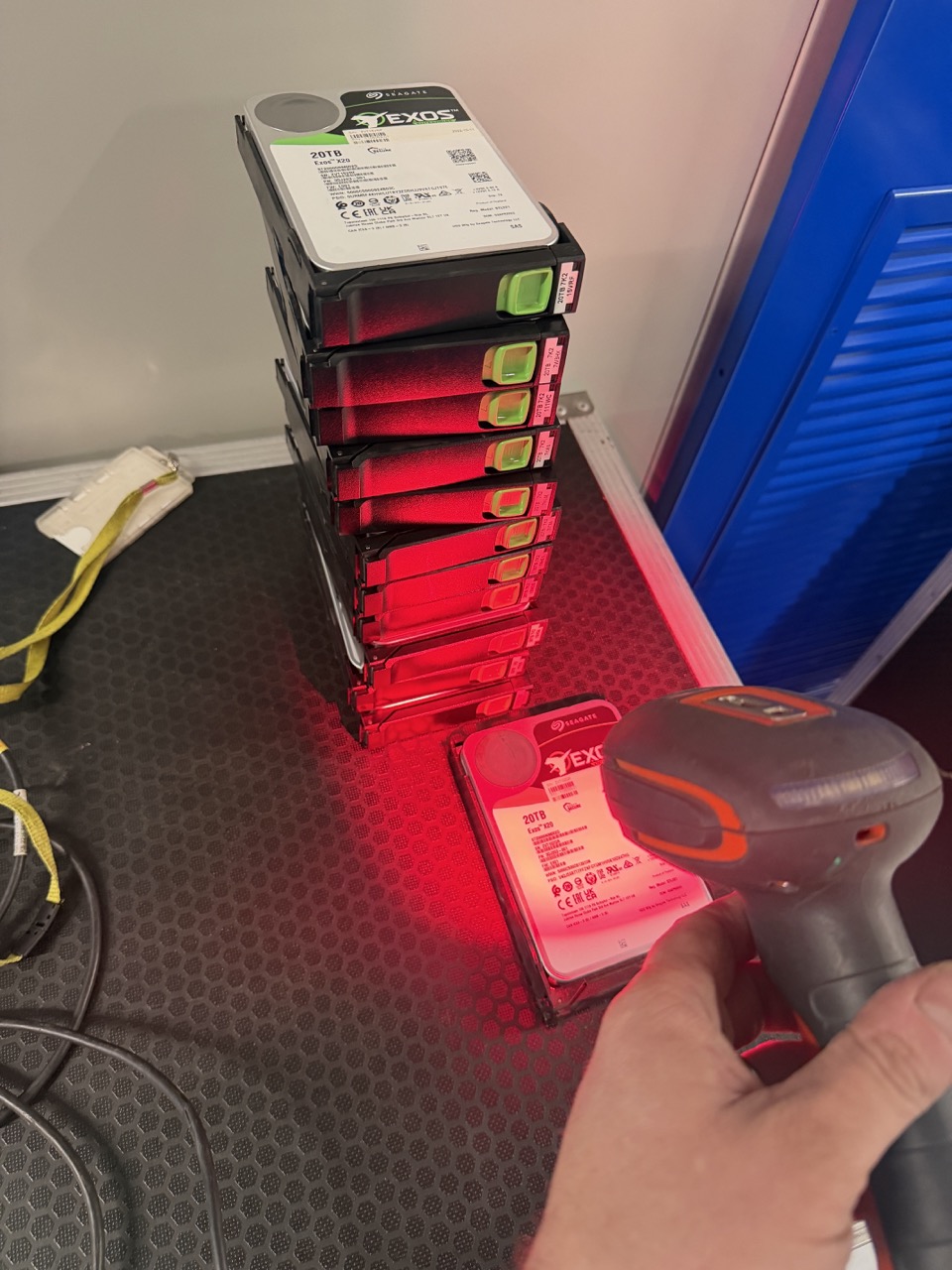
Done properly, shredding happens on site, in a mobile shredding vehicle at the data centre loading bay. Every drive is scanned by serial number before it goes in, and the certificate of destruction lists each one. Drives never leave the building intact.


scanning drive serials for audit, and individual labelling for position tracking
Drives being scanned before shredding

What data erasure actually means

Certified data erasure overwrites or cryptographically erases the drive to a recognised standard, most commonly NIST SP 800-88, and verifies the result. Each drive gets its own certificate, tied to its serial number.


The drive survives, and so does its value. An erased enterprise SSD or a modern high-capacity hard drive can be resold, and with server component prices sharply up over the past year, that value is worth having.


Erasure only works on drives that function. Any drive that fails erasure must be shredded. A good process plans for that from the start rather than treating it as an exception.


Hard Drive Shreddings
Pallet of HDD Shreddings

Why degaussing isn’t the answer for SSDs

Degaussing uses a powerful magnetic field to scramble the data on a hard drive. It has no effect on an SSD, because flash memory doesn’t store data magnetically. It’s still sometimes offered as a catch-all, so check what you’re being sold.


Even on hard drives, degaussing has a drawback: you can’t easily verify the result drive by drive. Shredding and certified erasure both give you a per-serial record.

How to choose

Shred when:

  • your security policy or a regulator requires physical destruction
  • drives have failed or can’t be erased
  • the data is highly sensitive and the drives have little resale value
  • the client contract specifies destruction

Erase when:

  • drives are working and modern enough to resell
  • recovering value matters, for example to offset the cost of the project
  • sustainability and reuse are part of your IT strategy

On larger estates the answer is usually both: erase what works and has value, and shred the rest, with one audit trail covering every drive.

The cross-border catch

On international decommissioning projects, there’s a detail most providers don’t mention. Once a drive is shredded, the fragments are waste, and moving waste across borders is heavily regulated.

Shredded material from a site in the Netherlands, for example, can’t simply be driven to the UK or Germany for recycling.


The practical answer is to destroy and recycle in the same country, using a local partner for the waste stream. That’s how we run multi-country projects, and it’s worth checking before you sign with anyone who plans to “take it all back to base”.

Getting it right

The choice between shredding and erasure shapes the whole decommissioning project: how long you’re on site, what the client receives back, and whether the hardware pays for some of the work. Settle it before the first rack is touched, write it into the scope, and make sure every drive ends up on a certificate.


We handle both, on site and across borders, as part of our data centre decommissioning service. For more detail on the wiping side, see what data erasure actually involves.

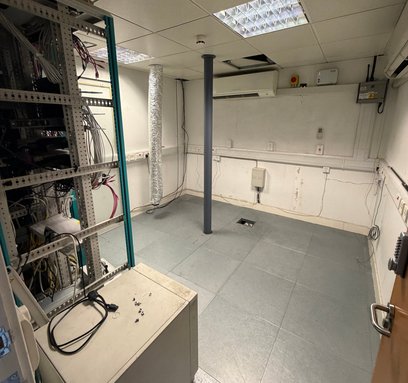
Comms room after clearance

Comms Room Clearance in Poplar: From Audit to an Empty Room

Racks in a comms room before clearance

Comms Room Clearance in Poplar: From Audit to an Empty Room

In August we cleared the comms room at a residential developer’s site in Poplar, east London. The job had two parts: an audit of the three racks in the room, then a comms room clearance that moved everything into secure storage in Bow and left the room empty.
Audit first

We audited the room on 10 August, recording the make, model, serial number and rack position of every item, and what was connected to what.


The client’s equipment list had more on it than the room did. Some kit had been moved elsewhere over the years and never taken off the list. Finding that on audit day, rather than on clearance day, meant the clearance was planned against what was actually there.

Comms room clearance day

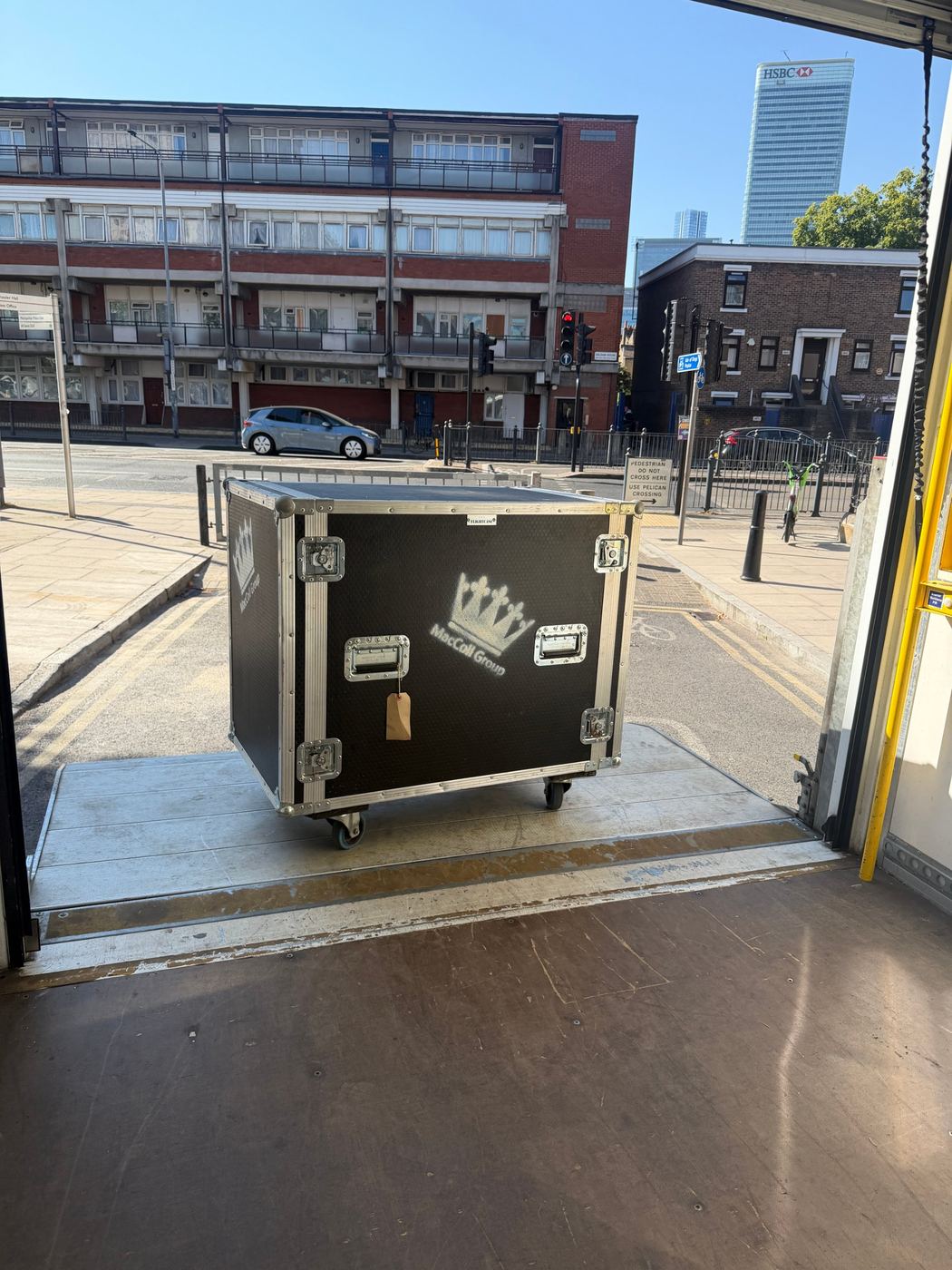
The clearance ran on 13 August. Everything was de-racked, packed into rack-format flight cases and carried out by hand on a hot August day, then loaded by tail-lift and driven to a self-storage facility in Bow.


Custody stayed with us from the comms room until the storage facility signed for the delivery.

Flight case on a tail-lift during a comms room clearance in Poplar
Loading by tail-lift in Poplar

Handing the room back

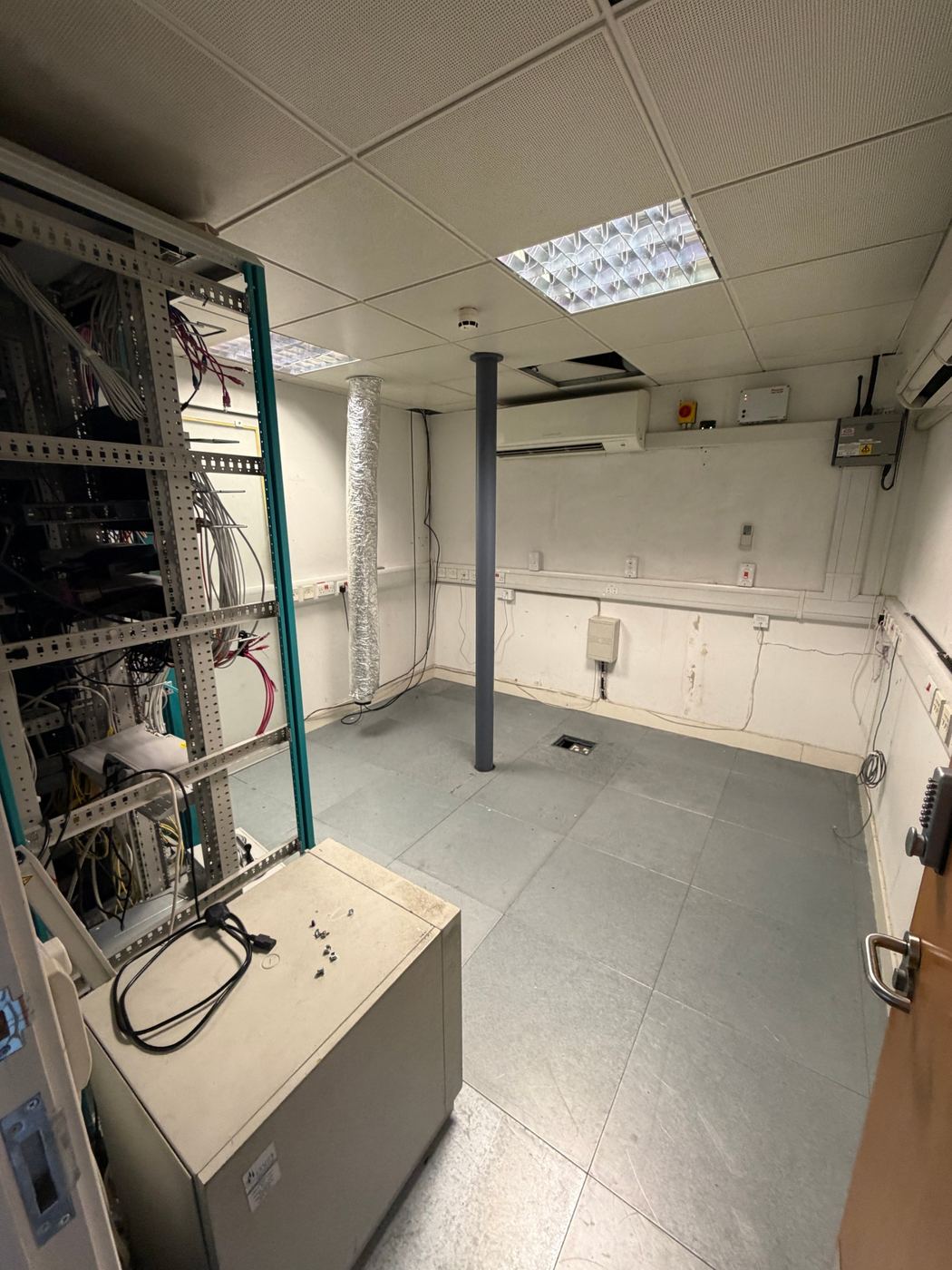
With the equipment gone, the room was ready to hand back.
Comms room after the comms room clearance
The comms room after the clearance

Clearing a comms room or server room?

Read why an asset audit never matches the room, see our decommissioning service, or get in touch to plan your clearance.

MacBook Disposal on the Isle of Man: 800 Laptops Erased and Resold

laptop-disposal-lorry

MacBook Disposal on the Isle of Man: 800 Laptops Erased and Resold

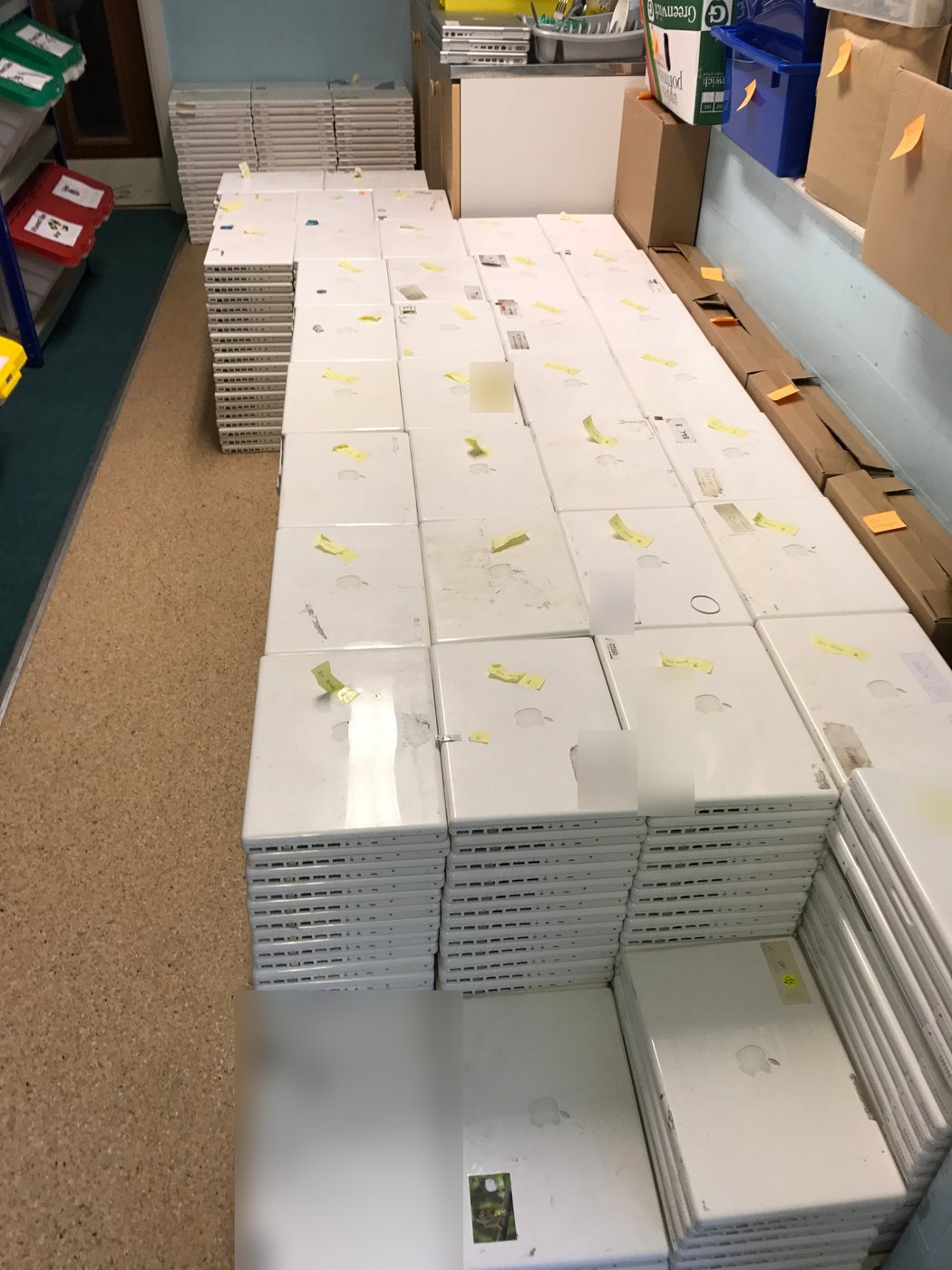
A public-sector client on the Isle of Man needed to retire 800 MacBooks. We handled the whole MacBook disposal: collection on the island, data erasure back at base, and resale through our partners, with the revenue shared back to the client.

Collection on the island

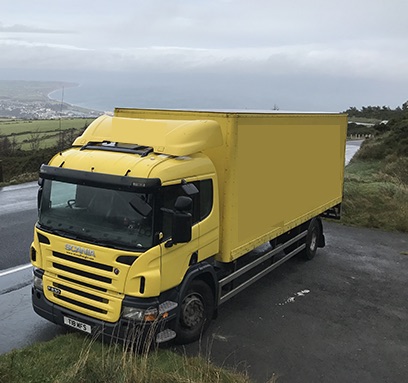
We leased a lorry for the job and took it over to the Isle of Man, where the MacBooks were loaded on site.

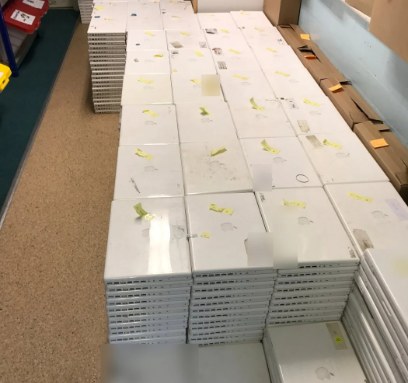
Stacks of MacBooks ready for collection on the Isle of Man
Part of the 800 MacBooks ready for collection

Lorry on the Isle of Man for a MacBook disposal job
The lorry on the island before loading

Erasure, not shredding

Every MacBook was erased back at base. With the data dealt with by erasure, none of the machines needed shredding, and each one stayed a working, resaleable device.

Revenue back to the client

The erased MacBooks were sold through our resale partners and the proceeds shared with the client. Hardware that would otherwise have been a disposal cost became income.

Working in the Crown Dependencies

Island jobs add ferry bookings and tighter planning, but the work is the same as a mainland collection: count, collect, erase, resell and report.

Planning a MacBook disposal?

Read about our data erasure and disposal and asset audit and valuation services, or get in touch.

Macs awaiting data erasure

Mac Data Erasure: Why a Factory Reset Isn’t Proof

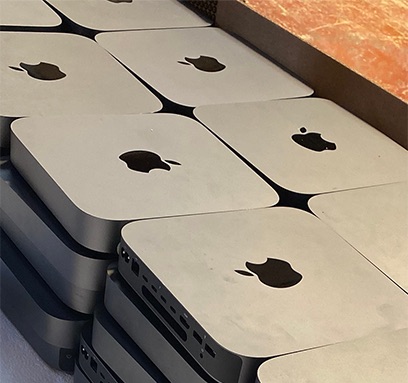
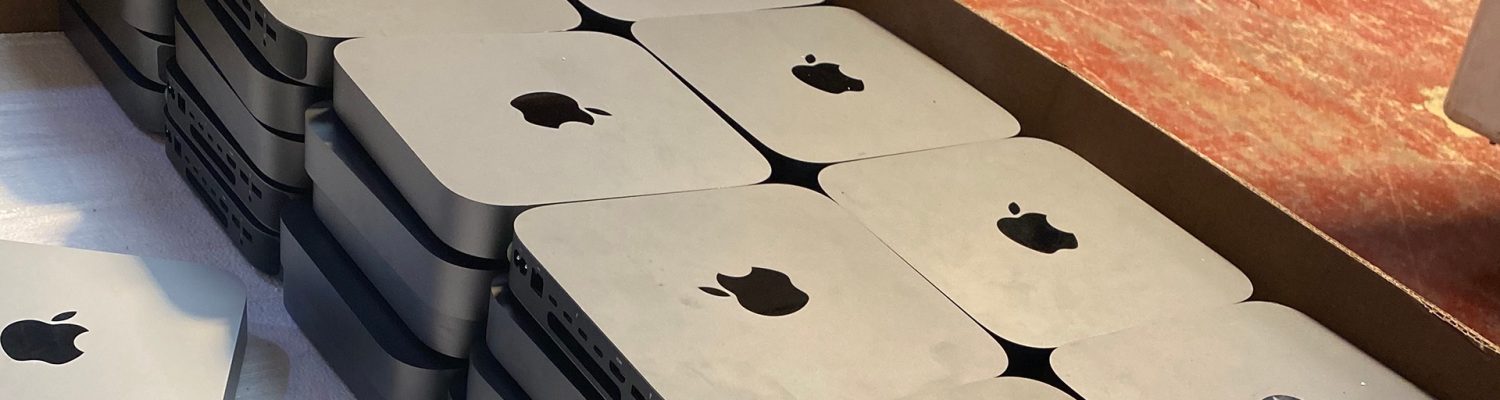
Quantity of Mac Minis awaiting Data Erasure

Mac Data Erasure: Why a Factory Reset Isn’t Proof

Mac data erasure looks simple. Open System Settings, choose Erase All Content and Settings, wait a few minutes, and the Mac comes back to the setup screen. For a home user, that is enough. For an organisation retiring a fleet of MacBooks, it leaves one question unanswered: how do you prove it happened?


That question is where most Mac disposals fall down. Not because the data is still there, but because nobody can show an auditor, an insurer or a regulator that it isn’t.

How Mac data erasure works on Apple silicon

On Apple silicon Macs, and Intel Macs with the T2 chip, the internal SSD is encrypted all the time, with keys held in the Secure Enclave. Erase All Content and Settings destroys those keys. Without them, the data on the SSD is unreadable.


That is a cryptographic erase, and it meets the NIST SP 800-88 definition of Purge. Technically, the erasure is sound.

The problem: a factory reset leaves no record

What a factory reset doesn’t give you is evidence. There is no certificate, no serial number logged against a date and time, no record of who did it or what method was used. Multiply that by a few hundred MacBooks and you have a disposal you can describe but not prove.


That matters when:

  • an auditor asks for evidence that each device was sanitised before it left your control
  • a device turns up later and you need to show what happened to it
  • your data protection policy requires a certificate per device, not a statement that “they were all wiped”

There is also a practical catch. If Find My Mac or Activation Lock is still on, the Mac is locked to its previous owner. It can’t be reused or resold, and its value drops to parts.

Certified Mac data erasure: what good looks like

A defensible Mac disposal gives you a record for every device, not just a clean screen. We use Ziperase, which runs the same cryptographic erase on Apple silicon and T2 Macs but wraps it in an audit trail:

  • a signed certificate for every Mac, as PDF and machine-readable JSON, matched to its serial number
  • erasure to NIST SP 800-88 Rev 2 and IEEE 2883
  • Activation Lock checked before the device leaves, so locked units are caught early
  • independently tested under the ADISA Product Claims Test

Every device ends up with one of two outcomes: erased with a certificate, or destroyed with one. Nothing falls between.


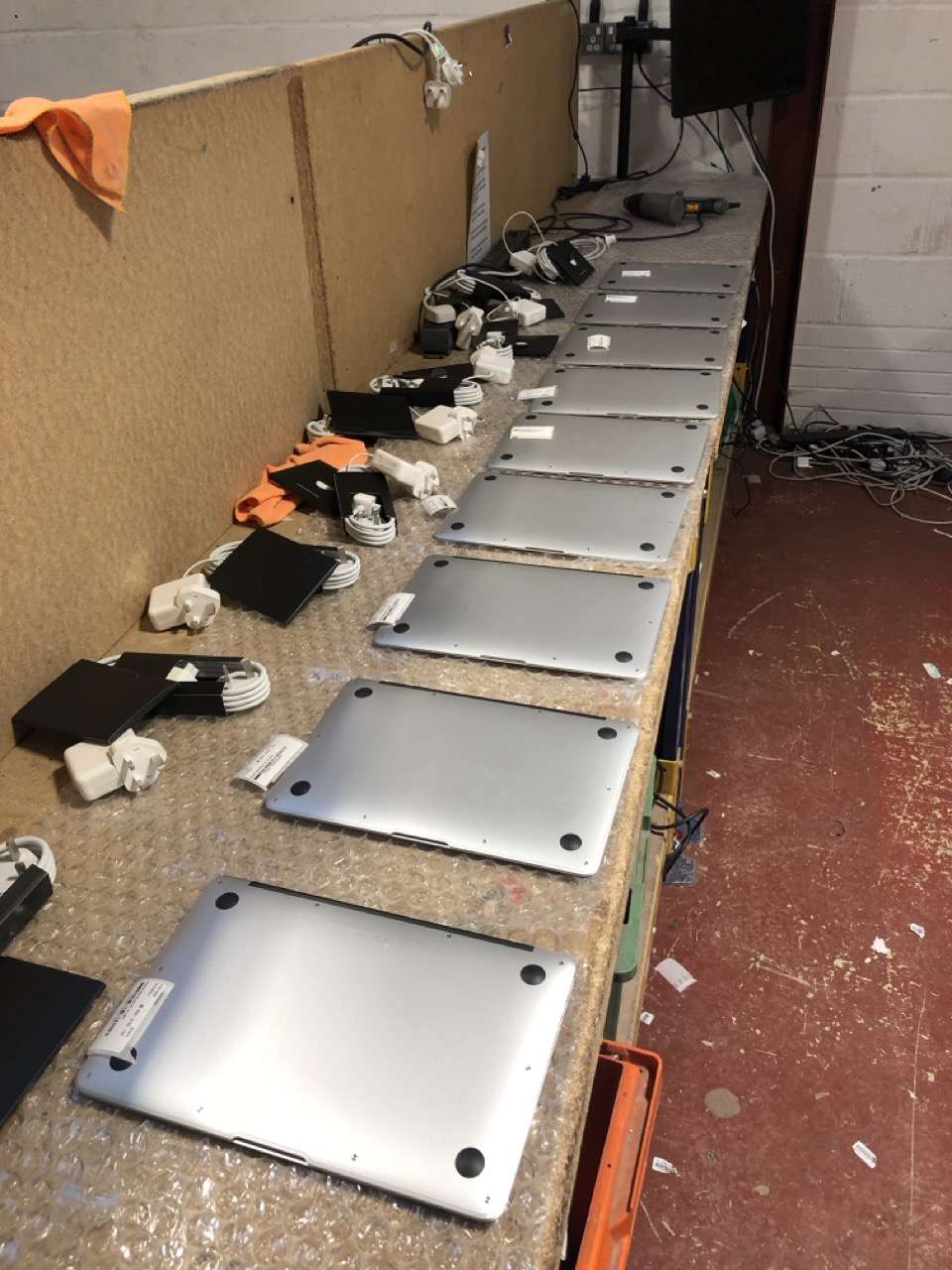
MacBooks being prepared for resale for our client
MacBooks being prepared for resale for our client after data erasure

When a Mac won’t boot

Apple silicon Macs have the SSD soldered to the logic board. If a Mac won’t power on, it can’t be erased with software, and the drive can’t be pulled and wiped separately. Those units are physically destroyed, and recorded by serial number on a certificate of destruction.

Erasure versus shredding

Shredding every Mac feels safest, but it throws away value. A working MacBook that has been properly erased can be reused or resold, and that return often covers the cost of the disposal. Shredding turns it into scrap.


For working devices, certified erasure gives you the same assurance, with proof, and keeps the value. Shredding is for the units that can’t be erased.


iPads awaiting erasure

Mac data erasure with DataMove

We have been handling Apple estates for well over a decade, from single offices to public sector fleets of thousands of devices. We erase on site, or collect under chain of custody for off-site erasure, record every device in our own ITAD platform, and issue a certificate per Mac. Anything with resale value is graded and offered back as buyback against the cost of the job.


If you are retiring Macs and need proof, not just a factory reset, get in touch and we will scope it with you.

High Density Storage Array Being Moved

Moving a High-Density Storage Array Without Losing Drive Order

Enterprise Hard Drives Individually Bagged and Labelled

Moving a Storage Array: Why Every Drive Goes Back in the Same Bay

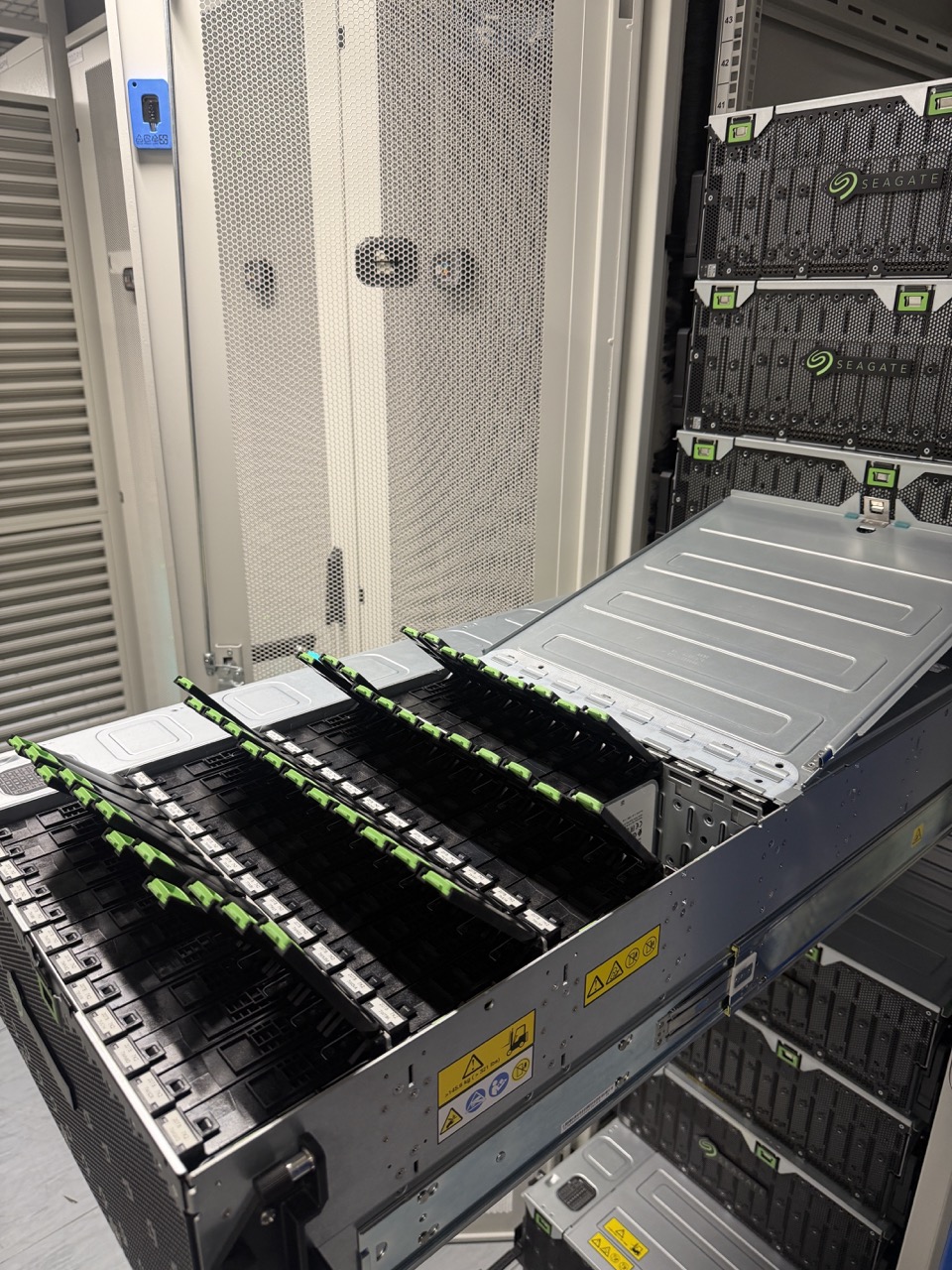
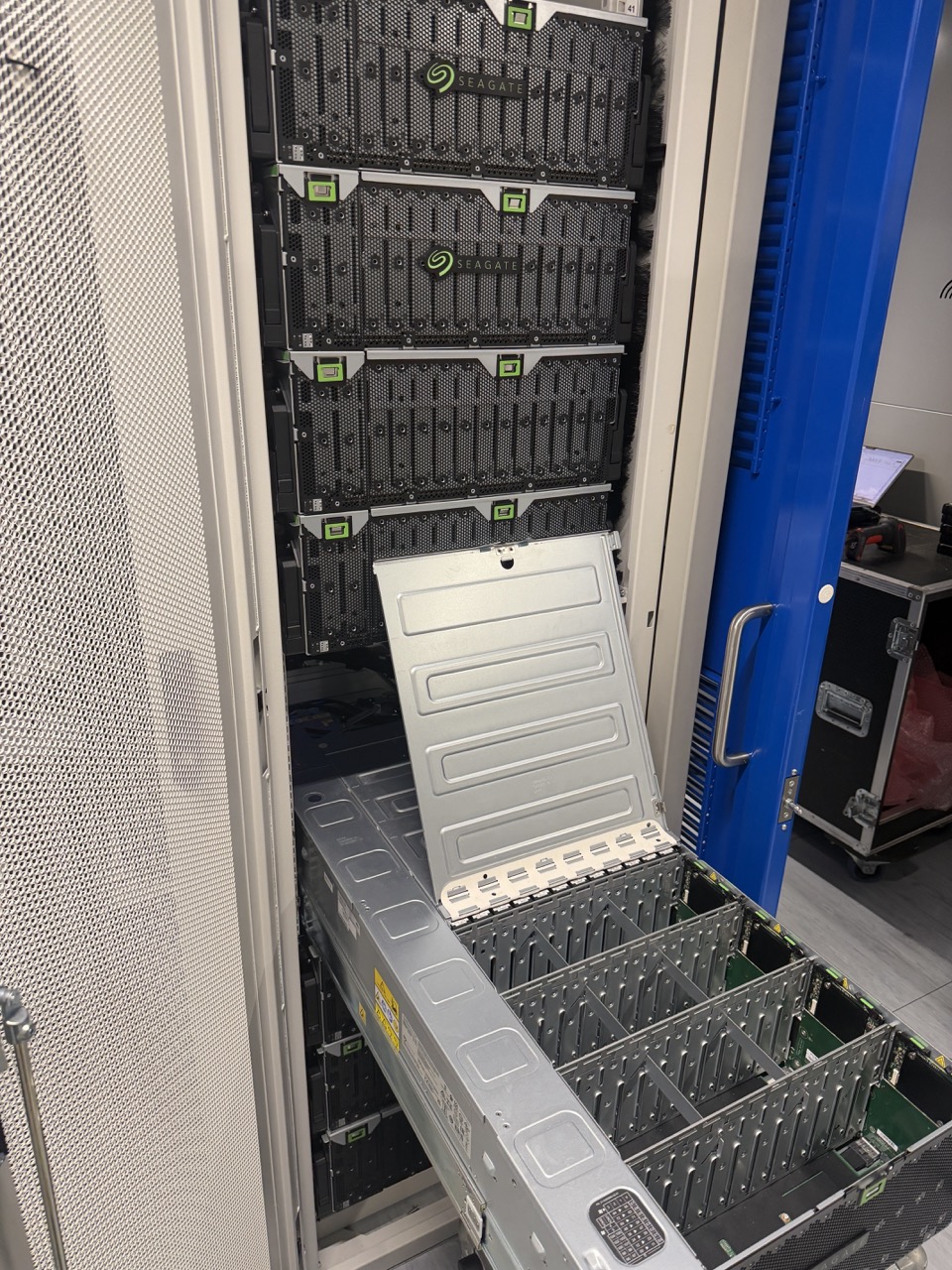
This autumn we moved eight Seagate Exos CORVAULT 4U106 storage chassis, holding 848 drives between them, from Telehouse North in London to a post-production facility in Burbank, California. Each drive was removed, bagged and labelled against its chassis and bay, packed 20 to a carton, and refitted to the same slot on arrival, ten floors up in Burbank. This is how that works, and why it matters.


Moving a storage array is not like moving a server. Most servers can travel with their drives in place. High-density storage cannot.


A modern 4U storage chassis can hold over a hundred hard drives. Fully populated, a single chassis weighs around 100 kg, against roughly 43 kg empty. The drives are loaded from the top rather than hot-swapped from the front, and the chassis is not built to carry their weight on the road or in the hold of an aircraft. So before anything moves, every drive has to come out.


That is where most of the risk sits. Not in the lifting, but in what happens when the drives go back in.


Hard Drives Being Removed from Large Array

Why drive position matters

Arrays like these do not treat drives as interchangeable. Data is spread across them using erasure coding, and the controller expects each drive in a known position. Put the right drives back in the wrong bays and, at best, the array spends days rebuilding. At worst, you are restoring petabytes from backup.


So the job when moving a storage array is not simply to remove the drives. It is to remove them in a way that guarantees each one goes back exactly where it came from.


scanning drive serials for audit, and individual labelling for position tracking
Scanning drive serials for audit and tracking on our in house CRM system, and individual labelling for position tracking.

How we approach moving a storage array

Every drive is scanned by serial number as it comes out of the chassis and recorded against two things: the chassis it came from and the bay it sat in.


Each drive is then individually anti-static bagged and labelled with that chassis and bay position. The record and the label say the same thing, so the drive can be placed correctly whether you are reading the paperwork or the bag.


The drives are boxed in purpose-made hard drive cartons and travel on the same pallet as their own chassis. Nothing is consolidated across chassis. If a pallet is delayed, the drives for that chassis are delayed with it, rather than arriving separately and waiting to be matched up.


At the destination, the record works in reverse: chassis by chassis, bay by bay, against the serial numbers captured at origin.


Bare chassis ready for removal and packing

Packing for the journey

Empty chassis are packed in anti-static protective material, two to a pallet, with their drive cartons secured alongside. Pallets are built to standard airliner belly-hold dimensions, with no oversize freight and no untreated timber, so there is no reason for the airline or customs to hold them.

What the client is left with

The drive record does not stop being useful once the array is back up. It is a complete inventory of every drive by serial number, chassis and bay, captured on the day the equipment left. That gives the client an audit trail for insurance, a reference if a drive fails in the weeks after the move, and a baseline for the next time the platform is expanded or retired.

The useful question

If you are moving a storage array, ask whoever is moving it how they will make sure every drive goes back in the bay it came out of. If the answer is “carefully”, keep asking.

DataMove vehicle outside Douglas Isle of Man

Moving IT Equipment to the Channel Islands and Isle of Man: Three Islands, Three Sets of Rules

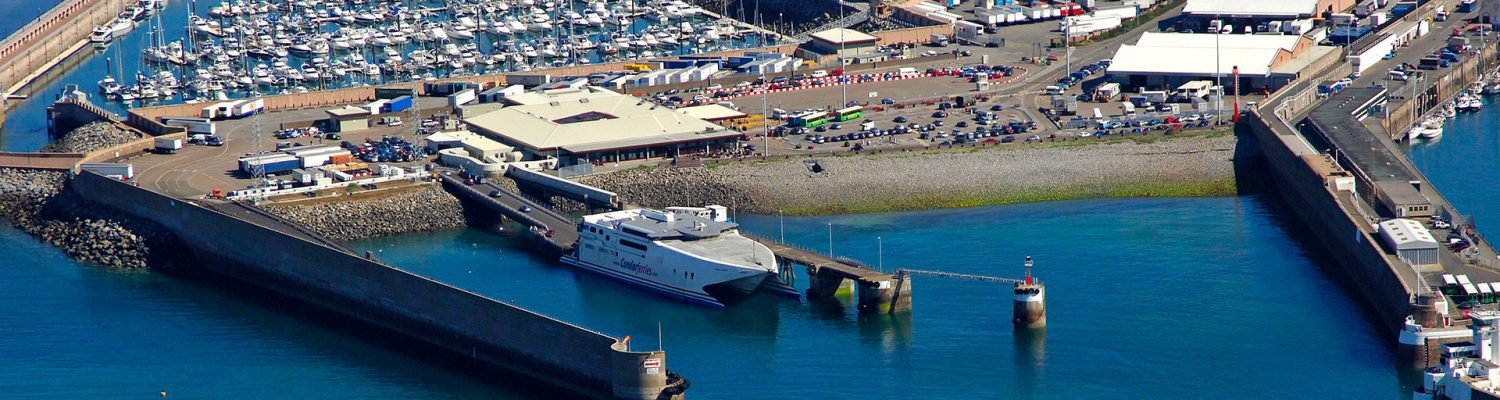
jerseyferry1

Moving IT Equipment to the Channel Islands and Isle of Man: Three Islands, Three Sets of Rules

An island move looks like a domestic one right up until the ferry. Moving IT equipment to the Channel Islands or the Isle of Man is closer to home than moving it abroad, but it isn’t the same as a run up the M1, and the three islands don’t follow the same rules.

The good news: a customs union

The UK, Jersey, Guernsey and the Isle of Man form a customs union. Equipment already in the UK doesn’t attract customs duty when it arrives on any of the three islands.

That’s where the similarity ends.

Jersey: GST and a declaration

Jersey charges import GST at 5% on nearly all goods coming onto the island, and for businesses there’s no minimum threshold: a single server attracts it. Imports are declared through Jersey Customs’ online system, CAESAR, before the goods are released. A GST-registered business can offset the import GST against the GST it charges, so for many clients it’s a cash-flow point rather than a cost.


Two practical details catch general movers out. Drivers need a completed consignment note on arrival, and vehicle weight and dimension limits on the island are tighter than on the mainland. The vehicle that’s fine for a UK job may not be the right one for Jersey.

We’ve made the crossing in the other direction too: in 2023 we moved thirteen racks of hardware out of Jersey and back to the UK mainland by ferry. Moving equipment off an island has its own paperwork, and it’s worth planning as carefully as the inbound leg.


Server Racks being loaded onto 18 Tonne DataMove vehicle
Server Racks being loaded onto 18 Tonne DataMove vehicle in St Helier, Jersey

Guernsey: lighter paperwork

Guernsey sits in the same customs union, and goods arriving from the UK, Jersey or the Isle of Man don’t need a full electronic customs declaration. Of the Channel Islands, it’s the more straightforward.

The Isle of Man: the simplest of the three

The Isle of Man sits within the UK’s customs and VAT area. For paperwork, a move there is the closest of the three to a mainland job. The complexity is the crossing, not the customs.


We’ve worked the Isle of Man route in both directions, uplifting three racks from the island in 2024 and installing five racks of mixed hardware there in 2025. Both went by ferry, with the road legs planned around the sailing.


DataMove vehicle outside Douglas Isle of Man
DataMove vehicle outside Douglas, Isle of Man

The part every island shares: the sea

Every island move depends on a crossing. Sailings are fixed, capacity is booked ahead, and weather can cancel a crossing at short notice. A mainland move can slip by an hour; an island move can slip by a day. We plan island jobs around the sailing, with the de-rack timed to it and a fallback if the weather turns.

The useful question

If you’re moving IT equipment to one of the islands, ask whoever’s moving it which island rules apply and how they’ll handle them. If the answer’s the same for all three, it’s the wrong answer.

Network Refresh in Frankfurt and Dortmund: 36 Access Points in Two Days

network-refresh-cabinet-after

Network Refresh in Frankfurt and Dortmund: 36 Access Points in Two Days

In June 2025 a client asked us for a network refresh at their sites in Frankfurt and Dortmund: new Wi-Fi, a proper cable tidy, and an audit and disposal of the legacy hardware coming out. The work took two days, fitting included.

Wi-Fi survey and 36 new access points

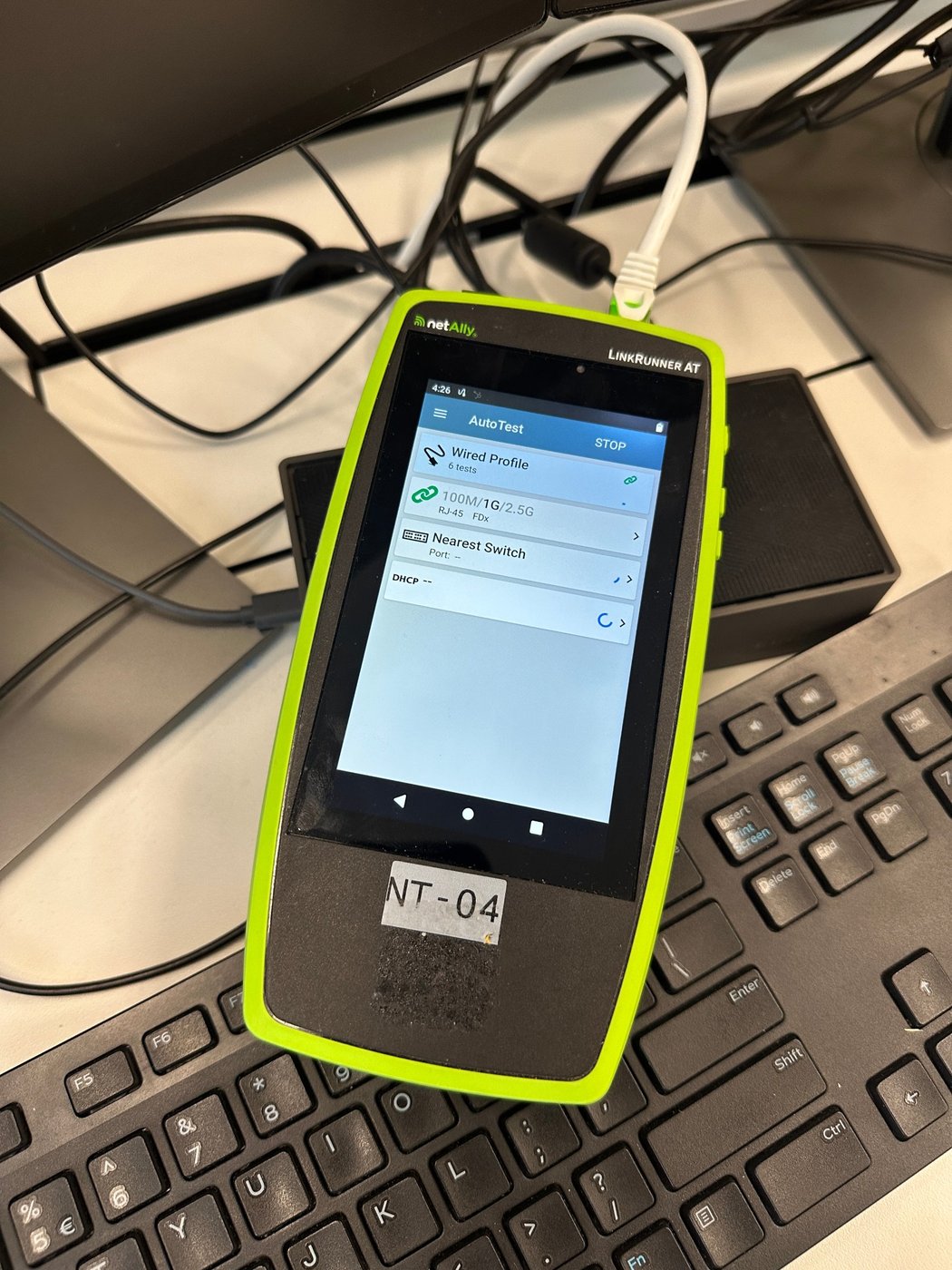
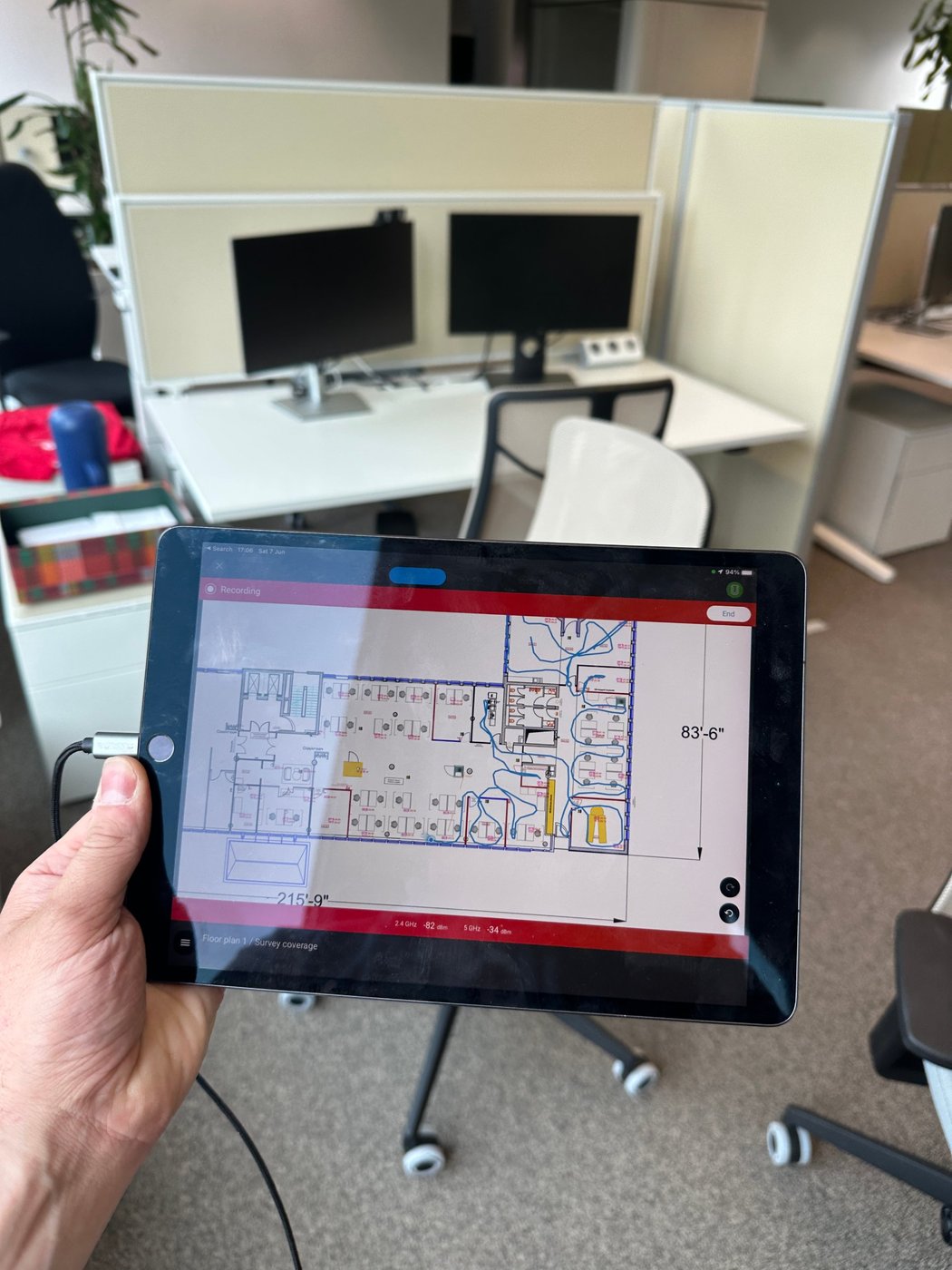
We surveyed the floors for Wi-Fi coverage, then installed 36 new access points, testing ports as we went.

Wi-Fi coverage survey on a tablet during a network refresh
Wi-Fi coverage survey in progress

NetAlly LinkRunner AT testing a network port
Testing a port with a LinkRunner AT

192 ports re-patched

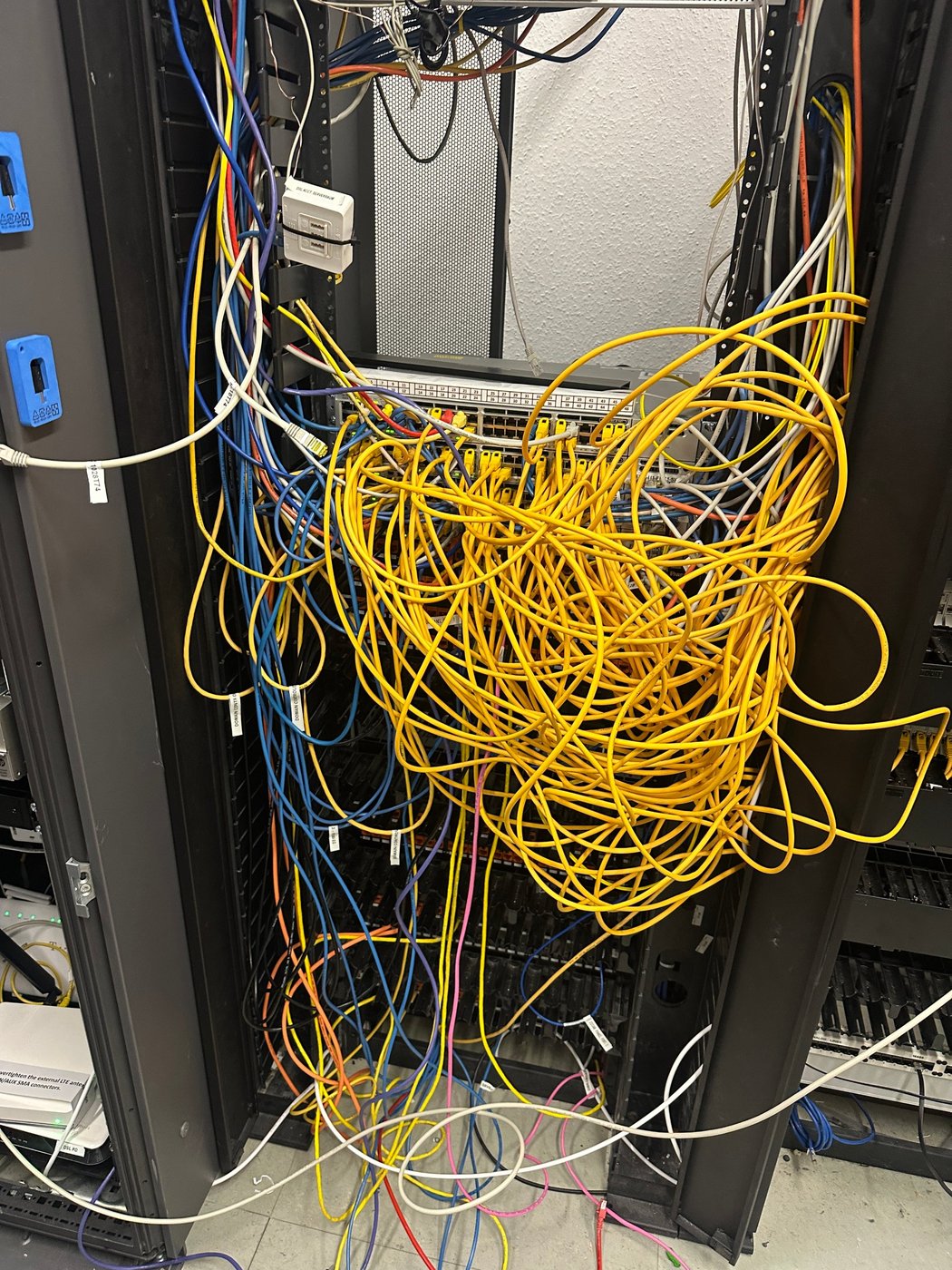
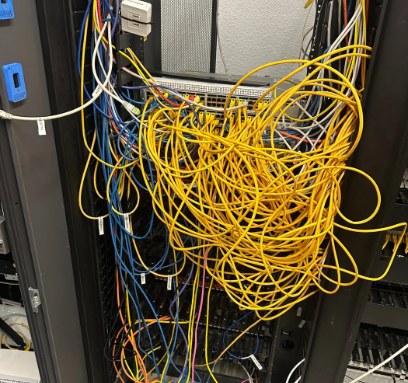
The comms cabinets needed the most work. We re-patched 192 ports from a port-by-port plan and dressed the cabling so any lead can be traced at a glance.

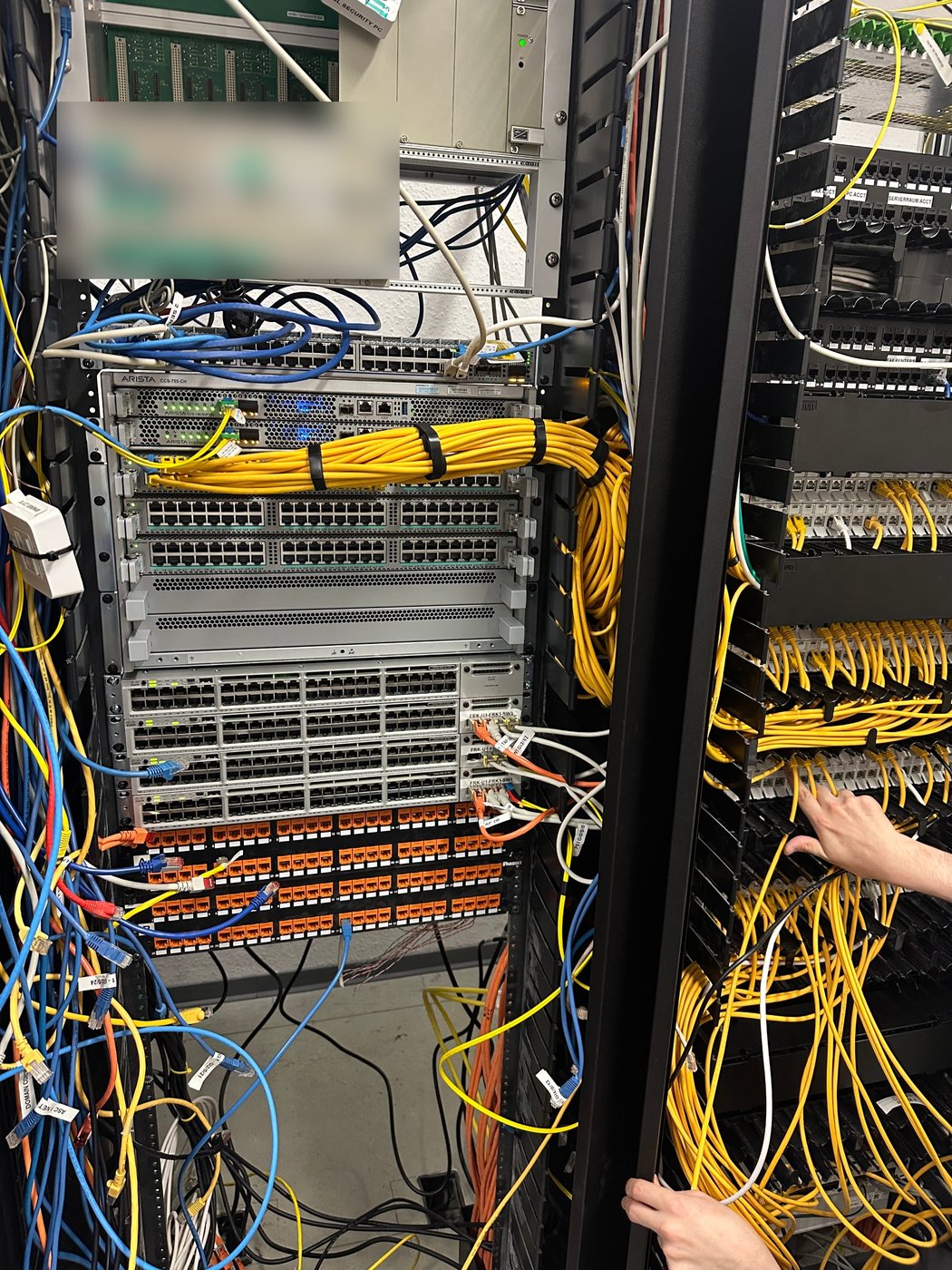
Comms cabinet with tangled patch leads before the network refresh
Before: the cabinet as we found it

Comms cabinet midway through re-patching
Midway through the re-patch

Engineer working from a patching plan on a laptop
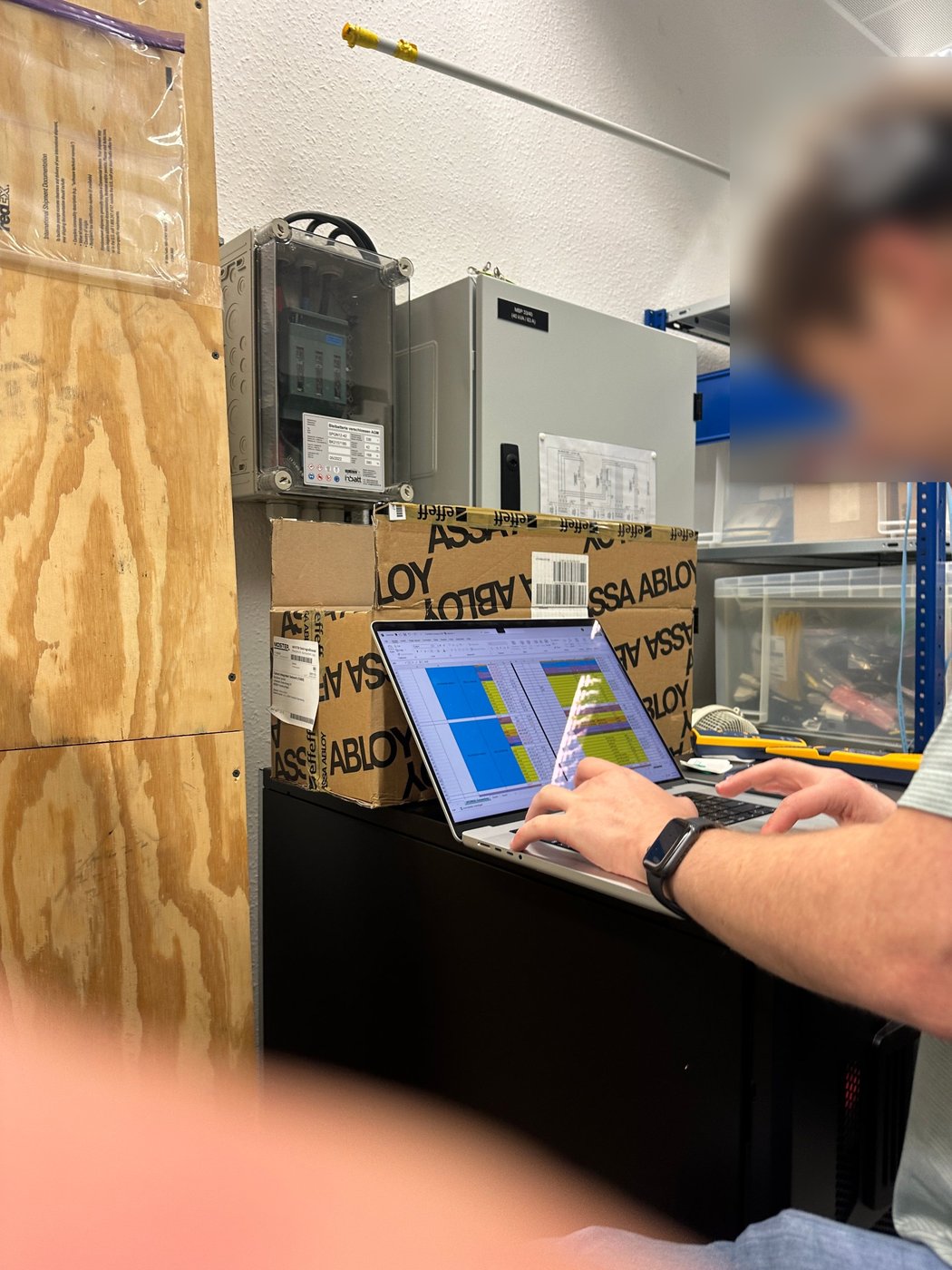
Working from the port-by-port patching plan

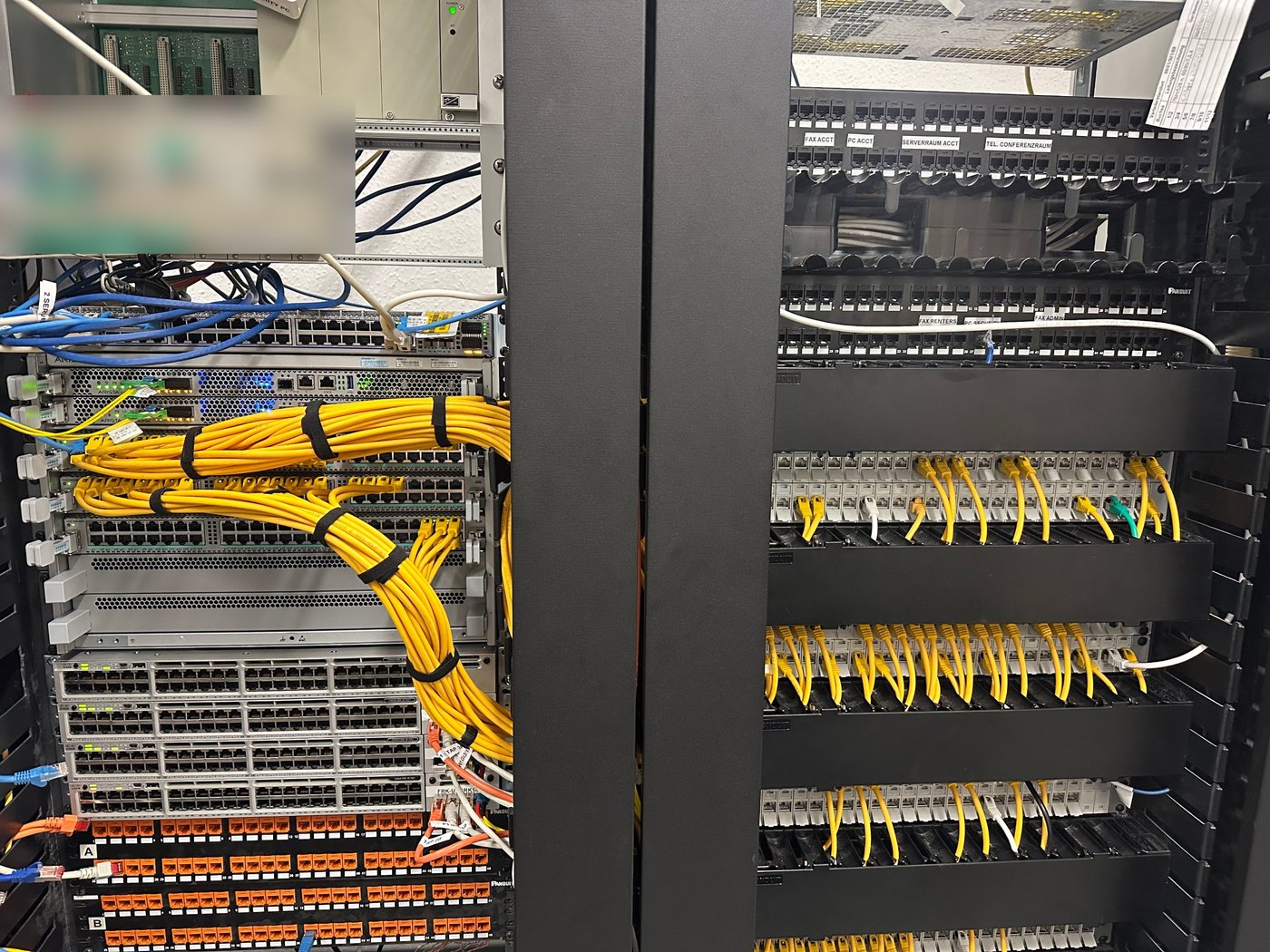
Comms cabinet after a network refresh in Frankfurt
After: re-patched and dressed

Legacy hardware audited and cleared

Old routers, phone systems and servers were audited and removed. Most went for recycling; some RAM and disks were sold downstream once they had been processed.

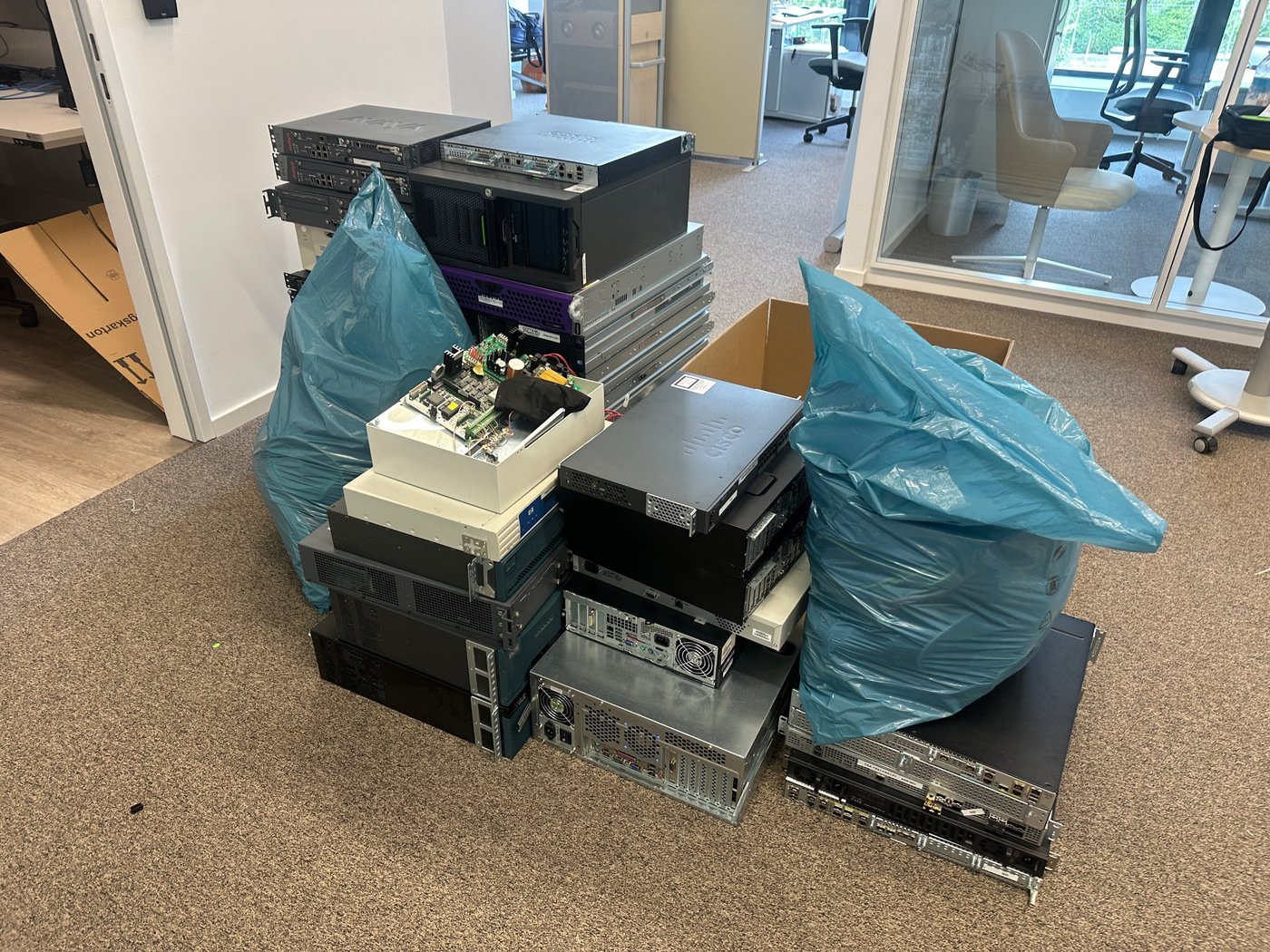
Legacy routers, phone systems and servers awaiting removal
Legacy hardware audited and ready for removal

Planning a network refresh in Germany?

Read about our wireless network surveys, asset audit and valuation and work between the UK and Germany, or get in touch.